P7M Viewer Opener Reader - Your Complete Solution for Digital Signature Files
P7M Viewer is the premier iOS application designed specifically for extracting and viewing digitally signed P7M files. Whether you receive P7M documents from government agencies, financial institutions, or business partners, P7M Viewer makes it effortless to access the original content embedded within these secure files.
WHAT IS P7M VIEWER
P7M Viewer is a powerful yet intuitive tool that decodes PKCS7 digitally signed files directly on your iPhone or iPad. The P7M Viewer app uses advanced iOS native security frameworks to extract embedded documents from P7M files without requiring any external servers or cloud processing. Everything happens locally on your device, ensuring complete privacy and security for your sensitive documents.
WHY CHOOSE P7M VIEWER
P7M Viewer stands out as the most reliable solution for handling P7M files on iOS devices. The application automatically detects and extracts various file types including PDF documents, XML files, ZIP archives, and text files. With P7M Viewer, you no longer need to struggle with complex desktop software or online converters. The P7M Viewer app brings professional-grade P7M extraction capabilities directly to your mobile device.
KEY FEATURES OF P7M VIEWER
Native iOS Integration: P7M Viewer leverages the iOS Security framework to provide robust and secure P7M file decoding. The app processes files entirely on-device, ensuring your documents never leave your iPhone or iPad.
Automatic File Type Detection: P7M Viewer intelligently identifies the content type within P7M files. Whether your P7M file contains a PDF document, XML data, ZIP archive, or plain text, P7M Viewer automatically recognizes and extracts the correct format.
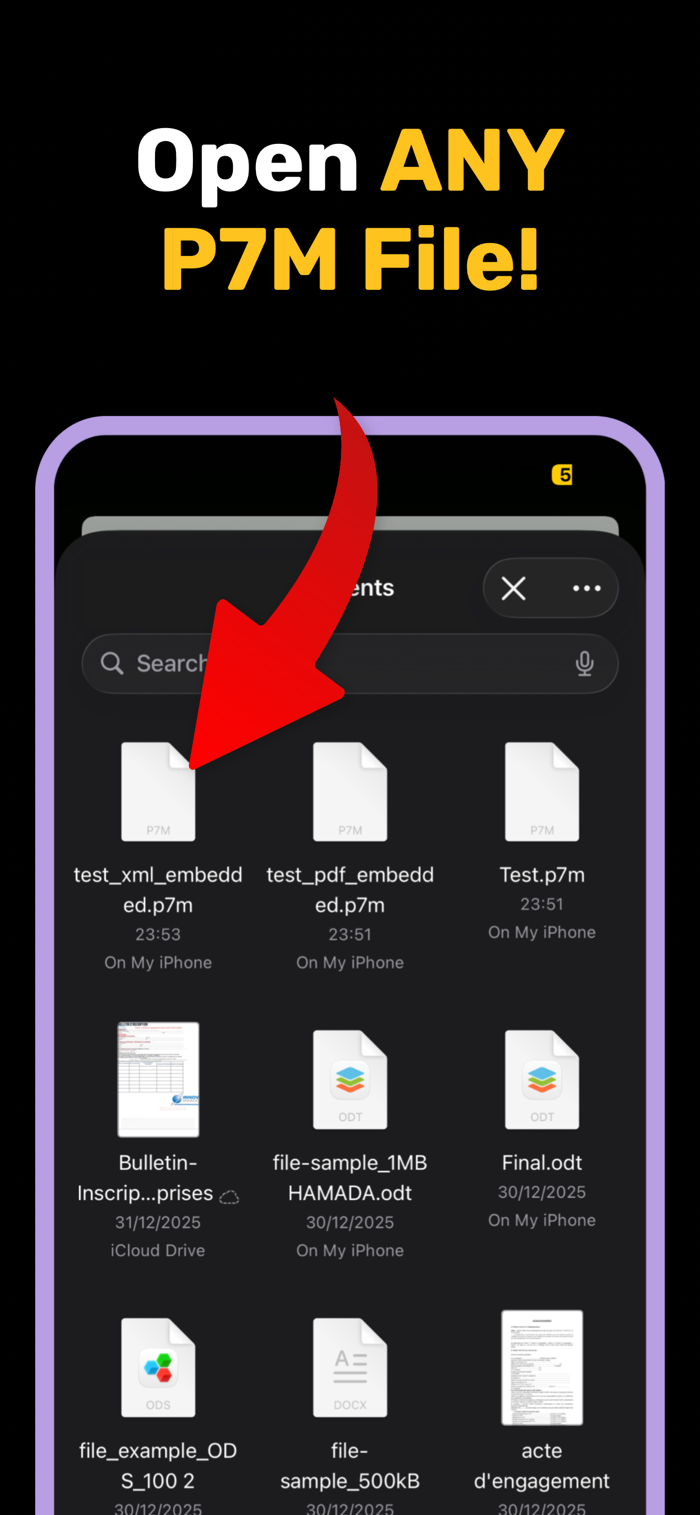
Easy File Selection: P7M Viewer allows you to select P7M files from anywhere on your device. Simply tap the file picker button, choose your P7M file, and let P7M Viewer handle the extraction process automatically.
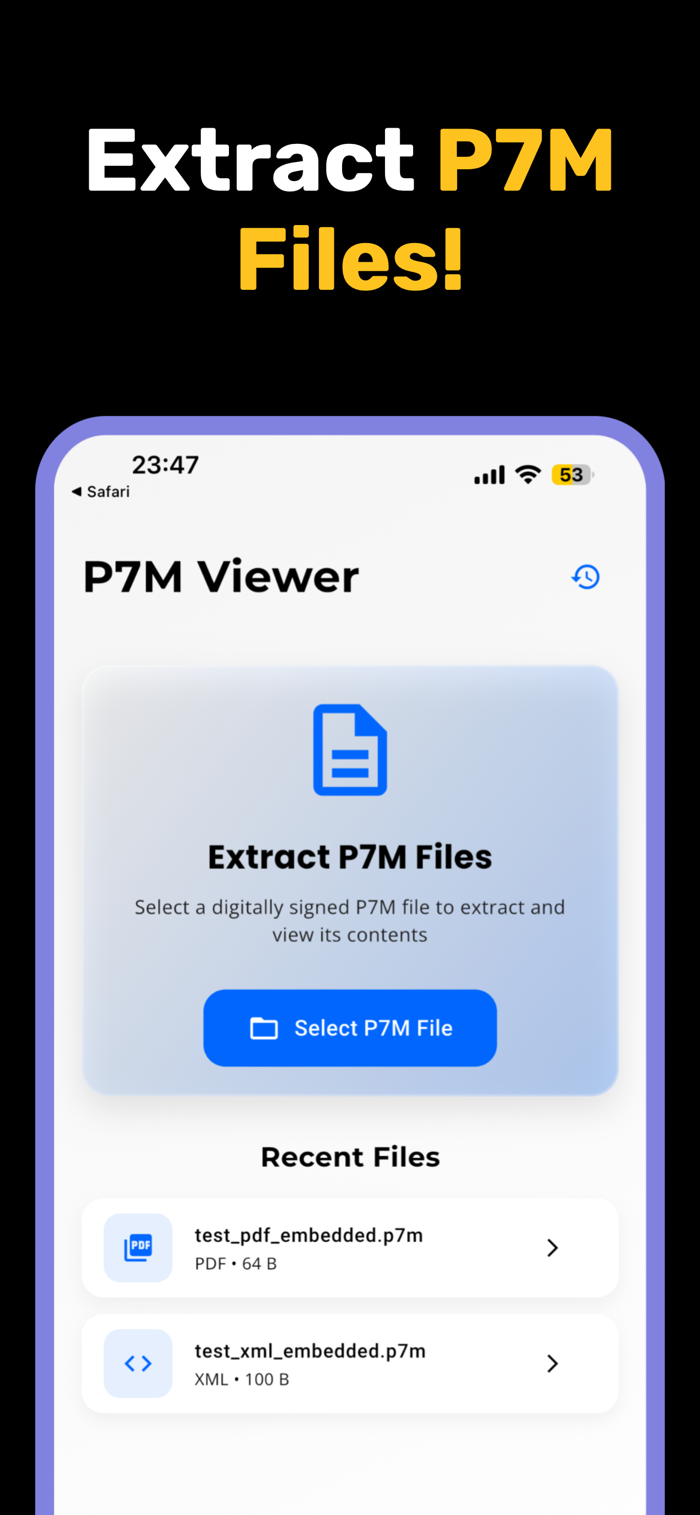
Recent Files History: P7M Viewer maintains a convenient history of all your recently extracted files. Access your previous extractions instantly through the history feature, making it easy to revisit documents you've processed before.
Comprehensive File Details: P7M Viewer provides detailed information about each extracted file including file size, type, extraction date, and more. The file details page gives you complete visibility into your extracted documents.
Save to Device: P7M Viewer enables you to save extracted files directly to your device's Documents folder. You can build a local archive of all your extracted P7M content for offline access.
Open Files Instantly: P7M Viewer seamlessly opens extracted files in their native applications. PDF files open in your PDF reader, XML files open in text editors, and other formats launch in their appropriate apps through intelligent file handling.
Modern Luxury Design: P7M Viewer features a beautiful, modern interface with glassmorphism effects, smooth animations, and elegant typography. The user experience is designed to feel premium and professional.
HOW P7M VIEWER WORKS
Using P7M Viewer is remarkably simple. Launch the app on your iOS device and tap the file selection button. P7M Viewer will present your device's file browser where you can locate and select any P7M file. Once selected, P7M Viewer automatically begins the extraction process using advanced native iOS security APIs. The app validates the file structure, extracts the embedded content, and identifies the file type. Within seconds, P7M Viewer presents your extracted document ready to view, save, or open in other applications.
P7M VIEWER USE CASES
Government Documents: Many government agencies use P7M Viewer compatible files for official communications. The app makes it easy to access these important documents on your mobile device.

 +100宝石


 分享
分享


























用户评价
立即分享产品体验
你的真实体验,为其他用户提供宝贵参考
💎 分享获得宝石
【分享体验 · 获得宝石 · 增加抽奖机会】
将你的产品体验分享给更多人,获得更多宝石奖励!
💎 宝石奖励
每当有用户点击你分享的体验链接并点赞"对我有用",你将获得:
🔗 如何分享
复制下方专属链接,分享到社交媒体、群聊或好友:
💡 小贴士
分享时可以添加你的个人推荐语,让更多人了解这款产品的优点!
示例分享文案:
"推荐一款我最近体验过的应用,界面设计很精美,功能也很实用。有兴趣的朋友可以看看我的详细体验评价~"
领取结果