




CATTIMO: Cozy Todo & Focus
摄影与录像
- 创作者
- JiYeon Noh
CATTIMO整合待办事项、Apple提醒和日历事件于温馨插画房间,帮你规划一天。可创建、编辑等待办,添加提醒,同步至Apple Reminders,在每日列表查看。有可调节专注和休息定时器,连接特定任务,能暂停等操作。还有七日专注图表、近期会话等记录进展。且无账户、广告、分析或跟踪,注重隐私。

摄影与录像
CATTIMO整合待办事项、Apple提醒和日历事件于温馨插画房间,帮你规划一天。可创建、编辑等待办,添加提醒,同步至Apple Reminders,在每日列表查看。有可调节专注和休息定时器,连接特定任务,能暂停等操作。还有七日专注图表、近期会话等记录进展。且无账户、广告、分析或跟踪,注重隐私。
点击查看界面细节
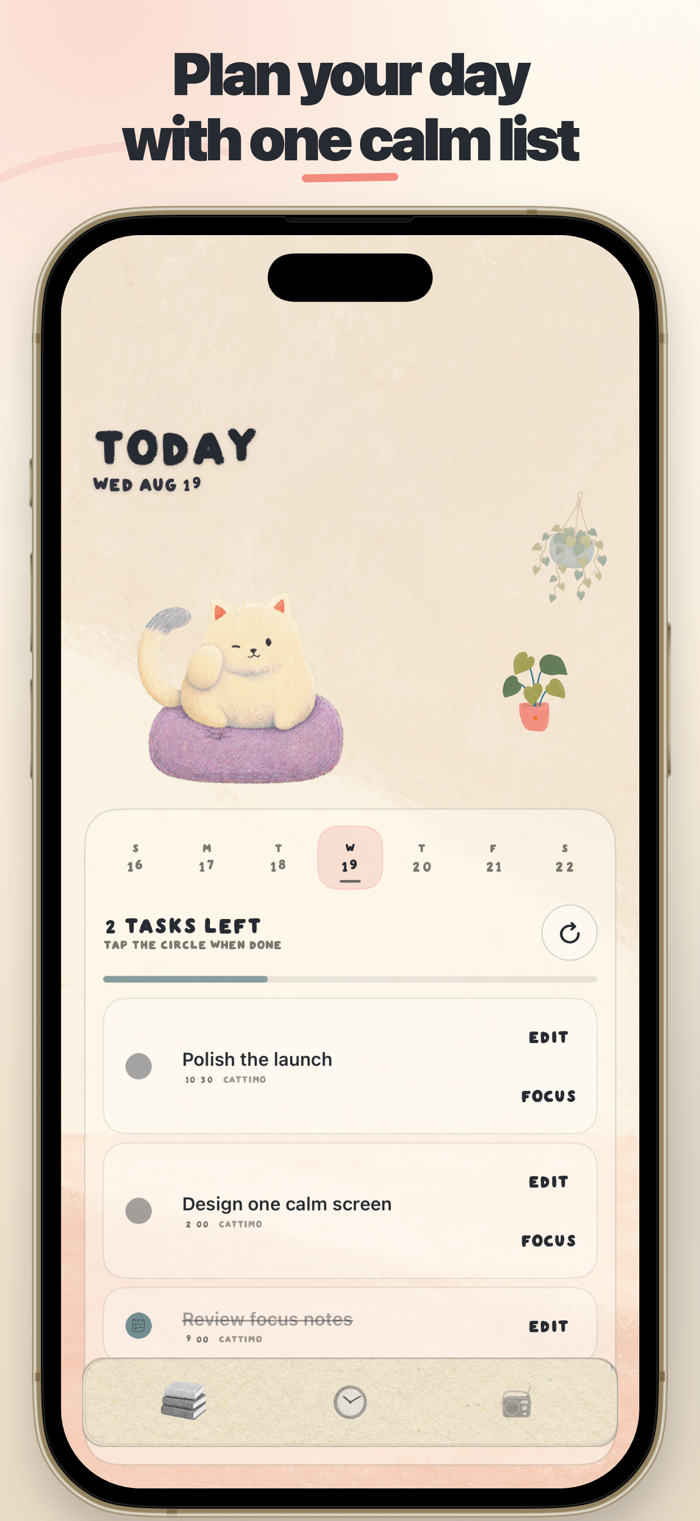


CATTIMO turns a busy day into one calm next step.
Bring your todos, Apple Reminders, and Calendar events together in a warm illustrated room. Choose what matters, start a focus session, and let your cat companion keep you company while the timer runs.
PLAN YOUR DAY
• Create, edit, schedule, and complete todos
• Add optional alerts for time-sensitive tasks
• Sync selected tasks with Apple Reminders
• See Calendar events and Reminders in one daily list
FOCUS WITH A COMPANION
• Adjustable focus and break timers
• Connect a focus session to a specific task
• Pause, resume, reset, or move to the next phase
• Keep an accurate timer when the app moves to the background
SEE YOUR PROGRESS
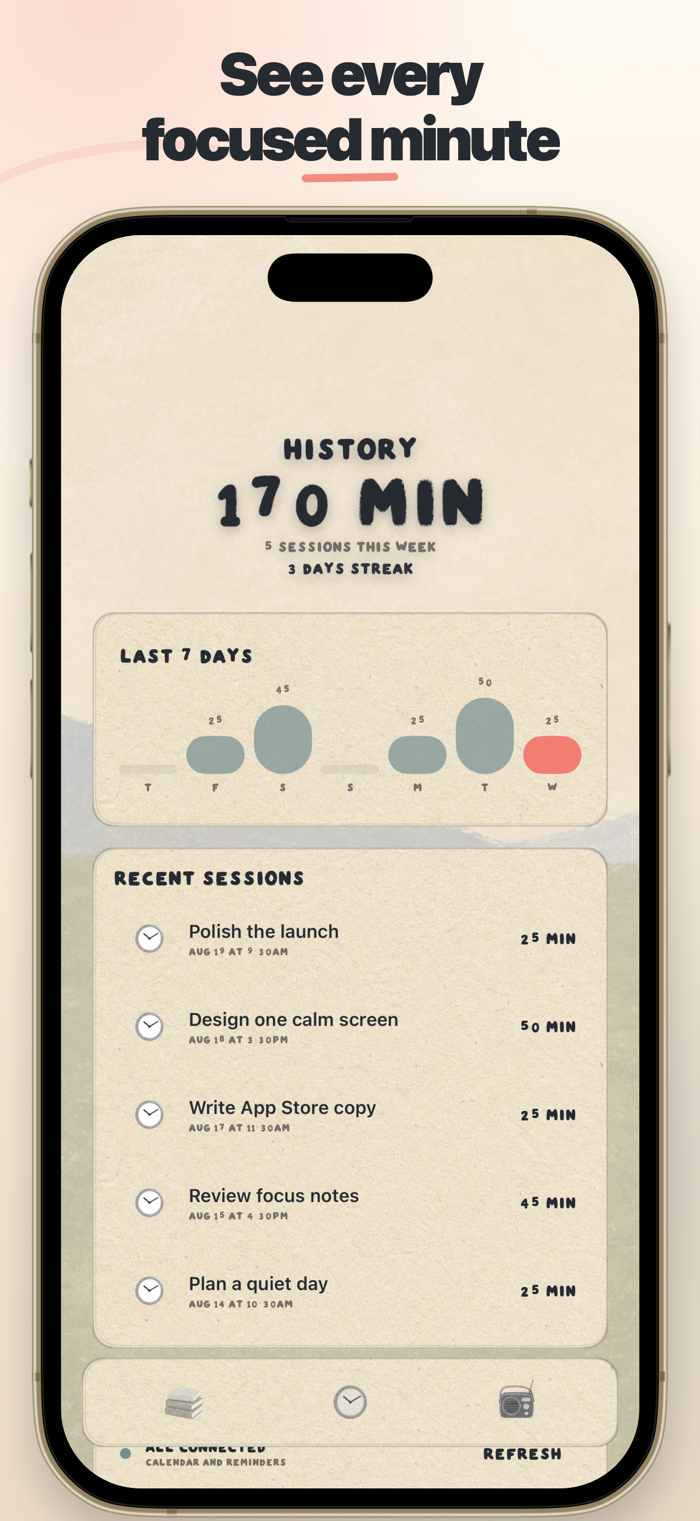
• Seven-day focus chart
• Recent sessions and focused minutes
• Focus streaks that reward a steady rhythm
• Live Activities that keep a running focus session close at hand
PRIVATE BY DESIGN
CATTIMO has no account, advertising, analytics, or tracking. Your todos, focus history, Calendar events, and Reminders stay on your device and are never sent to a developer-controlled server.
Permissions are optional and requested only when needed. Calendar and Reminders access combines your plans on-device. Photo access is add-only and used only when you explicitly save an image.
Privacy Policy: https://runfekim.github.io/flytracker-legal/cattimo/
Support: https://runfekim.github.io/flytracker-legal/cattimo/support.html
A simpler, bigger CATTIMO. Popups now float as bottom islands, timer lengths are one-tap presets, the task editor keeps date, time, alert, and Reminders sync on one card, and every label uses the hand-drawn type. The Live Activity gains Pause, Resume, and Skip for the focus timer, a Done button that checks off your next task, three upcoming tasks at a glance, and a tap that opens the matching screen.
CATTIMO: Cozy Todo & Focus
让使用你作品的人,认识背后的你。编辑确认身份后,将为你授予入驻开发者标识。
编辑将人工核实你的资料,如需补充信息会通过所填邮箱联系你。身份确认后,由编辑为你授予入驻标识。


