Darkroom – Photo Editor

Darkroom – Photo Editor

专业P图神器·复古胶片·照片视频编辑

创作者
Bergen Co.
平台
iOS
摄影与录像APP

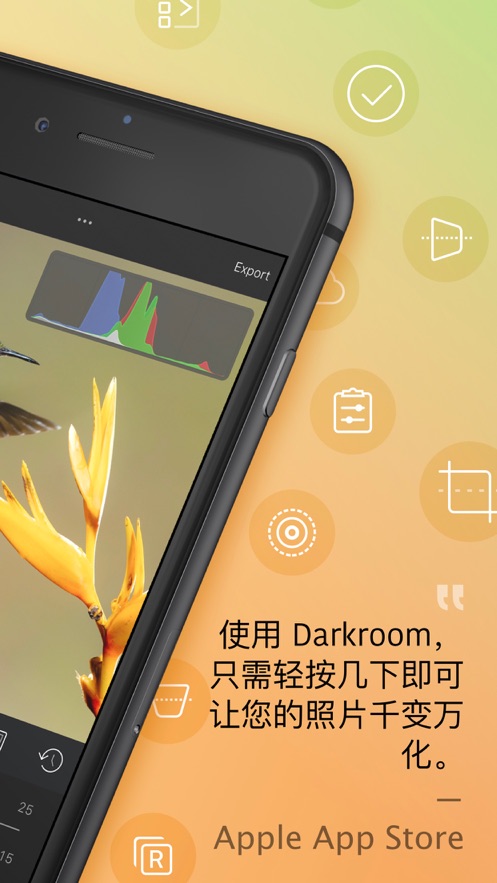
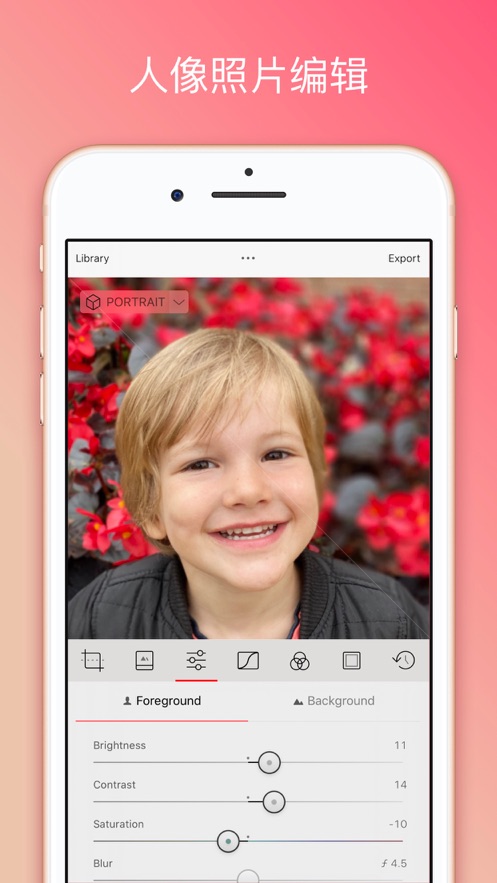
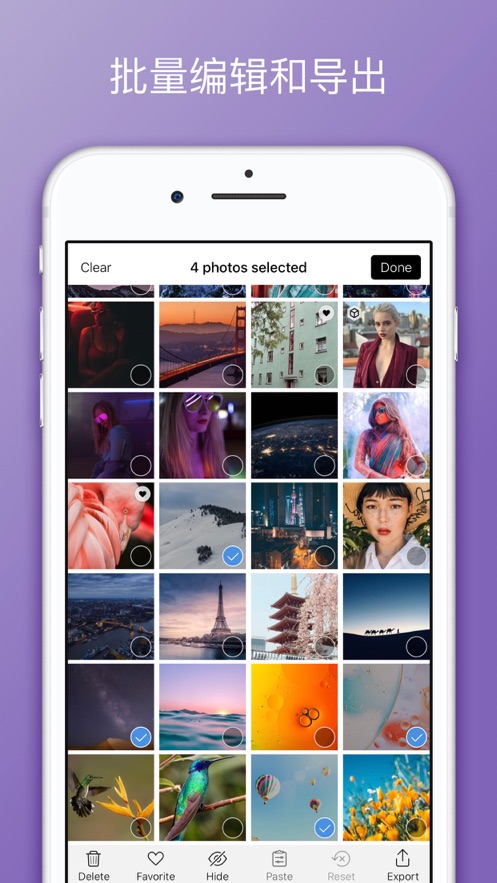
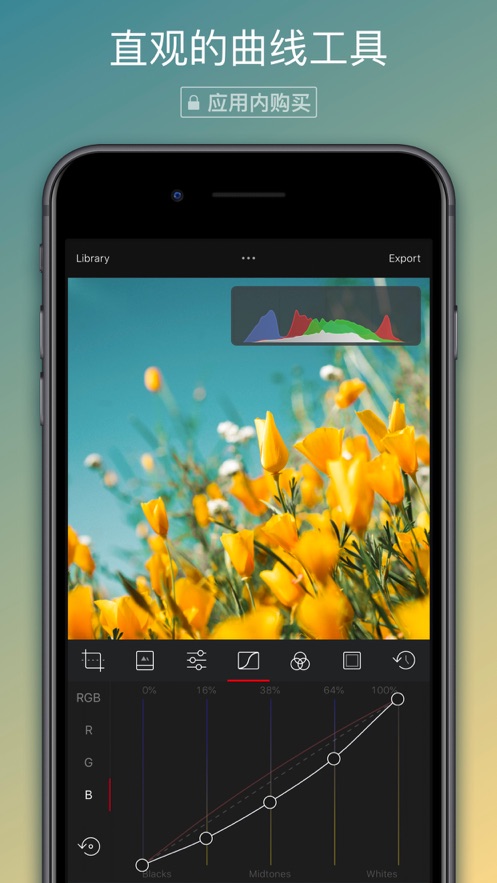
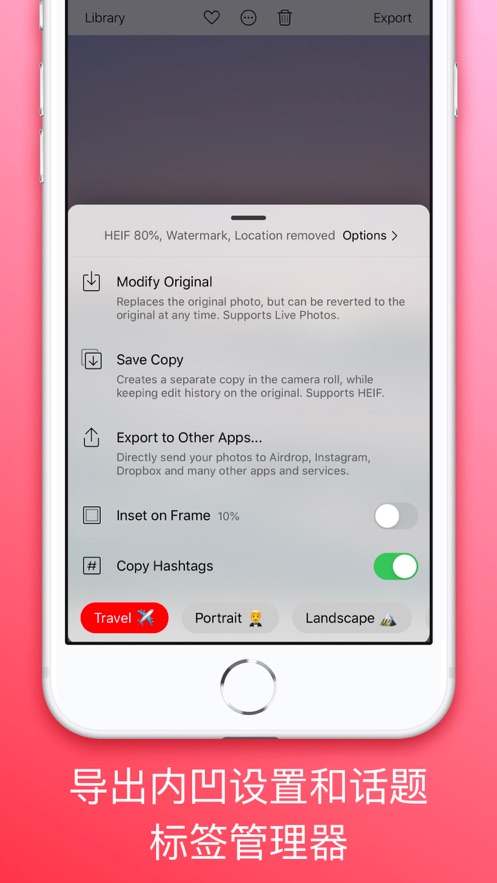
Darkroom是专为摄影师和摄影爱好者设计的照片编辑器,适用于iPad和iPhone,与iOS和iPadOS最新功能深度集成。它支持快速自动导入照片,提供强大的RAW编辑工具、曲线和色彩调整功能,以及人像模糊编辑和批量处理功能。用户还可以创建自定义滤镜,享受话题标签管理和Siri捷径的便捷。此外,它还支持macOS,提供智能相册管理和实时播放视频色彩分级功能,让您的创意工作流程更加高效。Darkroom提供丰富的编辑工具,可媲美Adobe Lightroom等行业巨头,是照片和视频编辑的理想选择。

COMMUNITY PERKSMergeek 社区专属福利
独家限免 NEW每天发现一份惊喜
PRODUCT SCREENS / 10

点击查看界面细节

Darkroom – Photo Editor 产品截图 1Darkroom – Photo Editor 产品截图 2Darkroom – Photo Editor 产品截图 3Darkroom – Photo Editor 产品截图 4Darkroom – Photo Editor 产品截图 5Darkroom – Photo Editor 产品截图 6Darkroom – Photo Editor 产品截图 7Darkroom – Photo Editor 产品截图 8Darkroom – Photo Editor 产品截图 9Darkroom – Photo Editor 产品截图 10

【专业修图 无需PS | 堪比Lightroom | 苹果设计大奖 · 2020】

用Darkroom重新定义iPhone和iPad上的修图体验。媲美Lightroom和Photoshop的强大功能,却简洁到任何人都能轻松上手。凭借AI深度学习和智能对象识别,让每一张照片都闪闪发光。

**业界认可**
· 苹果编辑推荐 2018
· 设计大奖 2020
· 最佳新应用 2015

**AI智能修图引擎**
自动优化天空、肤色、风景,一键获得专业级效果。智能深度识别,精准调整主体与背景。物体检测让你轻松移除干扰,对象选择精确到像素级。

**专业级色彩调校**
曲线、HSL、LUT预设,掌握电影级色彩语言。支持RAW和ProRAW原始数据编辑,导出4K视频。批量处理数十张照片,效率提升十倍。

**完整修图工具集**
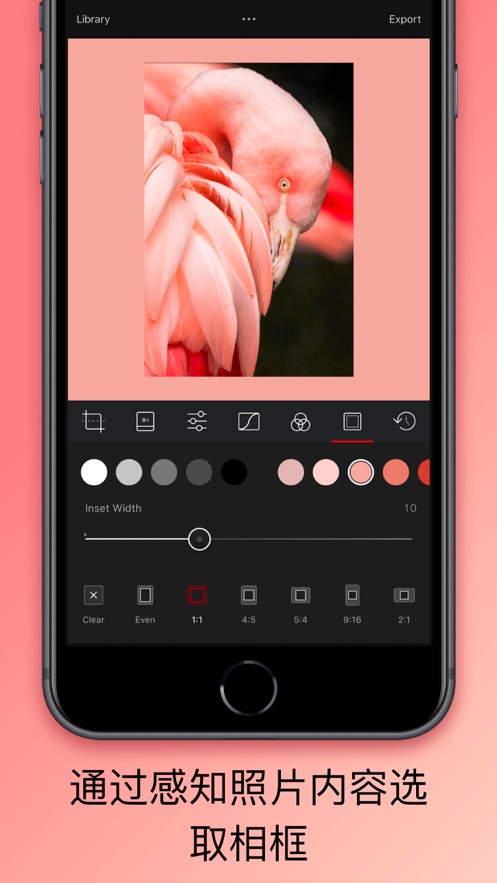
去噪、裁剪、磨皮、锐化、水印,一应俱全。HDR合成、色调映射、对比度、亮度、饱和度精准控制。

**为iPhone而优化**
无缝集成iOS相册与文件,即刻创作无需导入。云端同步跨设备编辑,创意永不中断。

**专业评价**
"最强大的修图APP" — The Verge
"无可匹敌的色彩控制" — The Sweet Setup

**创意组织工具**
智能相册自动分类,支持主题标签管理,快速整理和查找。创建拼贴、设置水印,一键分享到社交媒体。

**Darkroom+ 订阅会员**
解锁全部功能:AI驱动编辑、专业预设库、云端备份、持续新功能更新。

订阅自动续费,可在App Store设置中随时管理。

条款和条件:https://darkroom.co/legal/terms.html
隐私政策:https://darkroom.co/legal/privacy-policy.html

版本

7.6.5

New

- Show or hide the library sidebar. A new toolbar button shows and hides the sidebar on iPad and Mac. Darkroom remembers your choice when you leave the editor and across editing sessions.

Improvements

- Saving metadata saves auxiliary data in the photo. HDR gain maps, depth data, Portrait mattes and spatial photo data are no longer lost when you edit a photo's metadata.
- Faster metadata saves for photos taken in portrait orientation. These no longer need a full re-render to save.
- Photos opened from other apps (such as Leica FOTOS and Halide) now open in your library with a back button. Going back takes you to the photo in the grid instead of a separate editor.
- Faster editing for Selective Color, Curves and Color Grading tools.
- Library sidebar polish: consistent section headers and spacing, Shared Albums now appear below My Albums, and the iPad sidebar is back to its usual width.
- Transform tool labels now use the same text style as Adjustments and Presets.
- Preset options now extend to the edges of the screen on iPhone Duo.
- In landscape on iPhone Duo, floating editing tools are centered vertically on the screen.

Fixes

- Fixed crashes caused by presets that couldn't be read or imported. They are now skipped.
- Fixed the photo strip selecting the wrong photo when it first appeared, or when the library changed while you were editing.
- Fixed preset pack headers sometimes showing the wrong pack.
- On iPhone Duo, the histogram no longer overlaps the vertical status bar.

查看完整更新记录 ↗

你的真实体验,为其他用户提供宝贵参考,获得宝石奖励

REWARD MARKET100 宝石可兑换什么?

还没有公开评论,欢迎分享你的体验。

提交反馈

每一个想法,都让 Mergeek 更好一点。