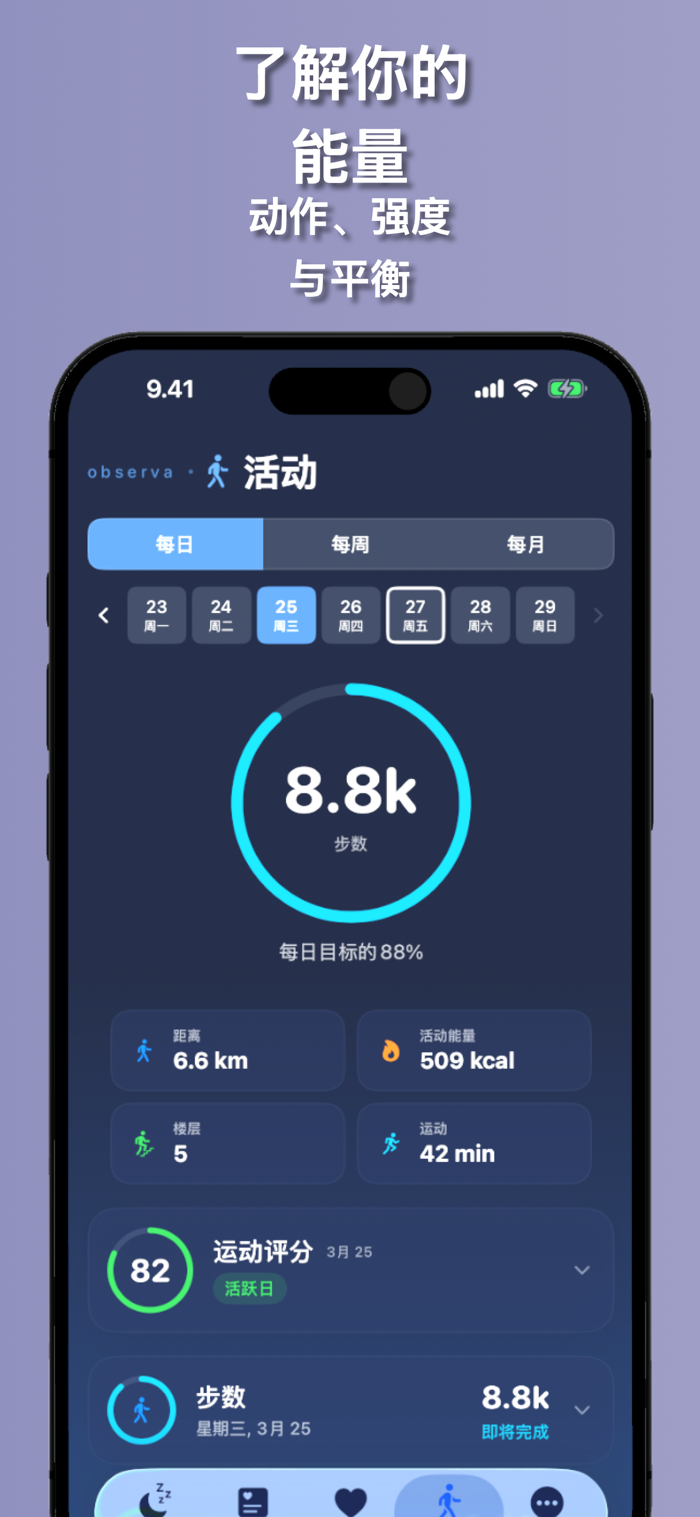
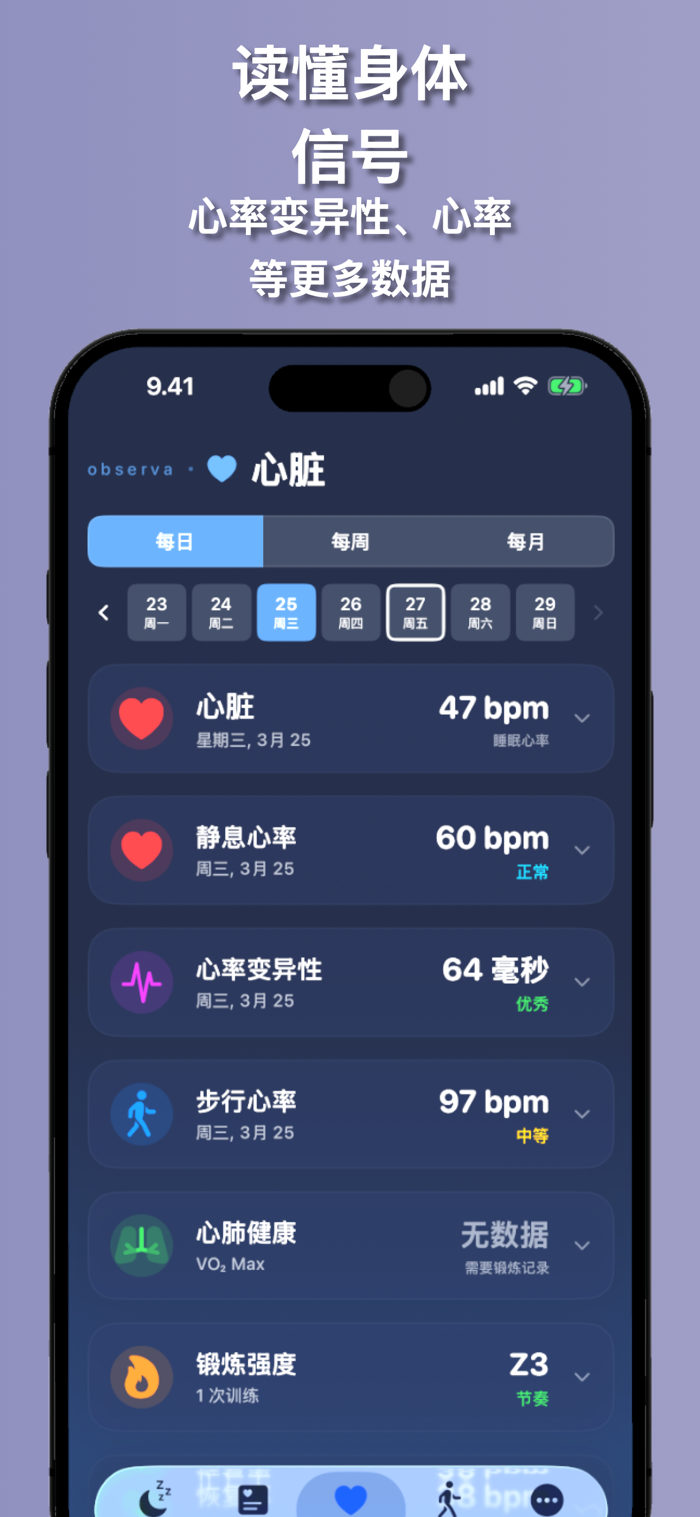
Apple Health stores months of your sleep and heart data, yet rarely tells you what it means for today. Observa reads this data, telling you each morning how prepared you are for the day and why.
Your Readiness Score is based on sleep, HRV, resting heart rate, and training load, referenced against your own normal ranges. Tap "Why this score?" to see which signals are within your normal range and which impact your score most. Ask "Should I train today?" to get a clear answer with reasoning: Push, Maintain, Recover, or Rest.
Sleep You Can Understand
The daily sleep score combines your sleep duration, efficiency, awakenings, and stages. View your nighttime heart performance and track sleep debt against your own sleep goals. Learn if you're an early bird, night owl, or somewhere in between. If any night's data looks off, you can correct it manually and choose which sleep source Observa trusts.
Patterns From Your Own Data
Discover which habits often coincide with better recovery, sleep, and HRV. Each pattern shows Observa's confidence level, and you can mark them as "Feels Accurate" or "Not Applicable."
Your Functional Age
This is an estimate showing where your fitness stands compared to peers, listing influencing factors. It is a health reference estimate, not a clinical measurement.
Your Day Planned
Start with a short personalized daily tip and 10-second morning check-in, then follow a simple plan guided by your recovery level. Training load tells you when to push and when to rest.
Right at Your Fingertips
The Apple Watch App (watchOS 10 or later) puts readiness and training advice on your wrist, including Complications. Log water intake with a tap, voice command, or from your wrist. Ask Siri about your readiness or last night's sleep score without opening the App. Home Screen and Lock Screen widgets make your data visible at a glance; widget content is included in the Premium tier and for the initial 7 days.
Privacy by Design
Observa's analysis happens on your …