INTRODUCTION产品介绍
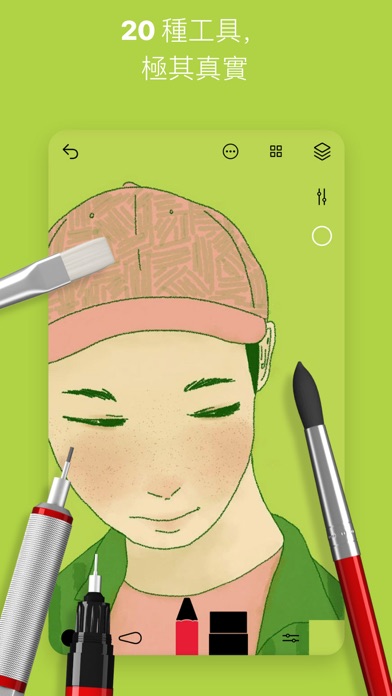
Only with fine tools can we create beautiful works. That's why we keep researching and updating to make Sketches have more delicate and realistic brushstrokes.
Sketches is currently the application software that can draw the most realistic works. The software's user interface is simple and clear, with complete brush functions, specially designed for mobile devices, allowing everyone to create and doodle at will, anytime and anywhere.
Sketches includes a professional package IAP, making it exactly the same as the paid Sketches Pro application.
Feature Highlights
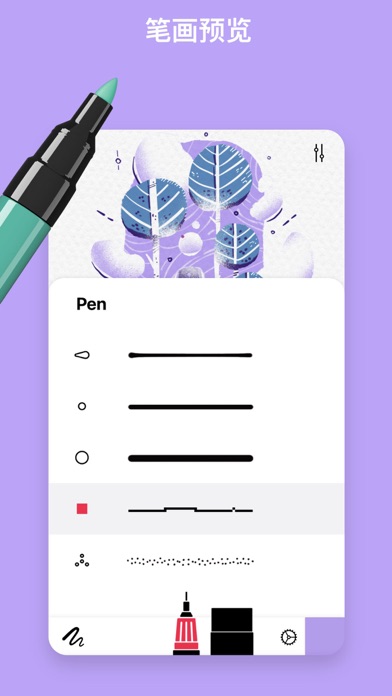
- Over twenty realistic tools
- Unlimited layers
- Ability to export multi-layer paintings in PSD format
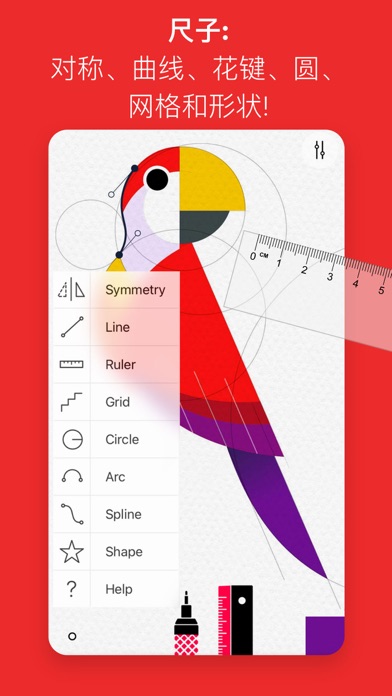
- Unique ruler function
- Extremely realistic watercolor paints and wet brushes
- Brush editor
- Color dropper tool
- Photo import function
- Advanced export and sharing functions
Folders (iPad)
You can customize beautiful folders to easily organize your drawings.
Modes
- Import, design, and customize your own designs.
Cloud Sync
- Backup your drawings to the cloud
- Sync your drawings across all devices
- Manage sync options by folder
Support for Stylus Use
By using a stylus, you can draw more realistic brushstrokes.
The various functions of Sketches are especially designed for the Apple Pencil.
The brush design of Sketches makes every stroke you make during drawing feel like it's on real paper, and the brushstrokes will change according to the pressure, tilt, and speed of your stroke.
Sketches provides a simple drawing mode: "Freehand Mode". When drawing in this mode, all editing interfaces will automatically hide (except for a few necessary buttons), allowing you to freely挥洒 on a distraction-free white paper.
Tool Function List:
- Pencil
- Mechanical Pencil
- Ink Brush
- Watercolor Brush
- Acrylic Brush
- Crayon
- Marker
- Gel Pen
- Airbrush
- Fill Tool
- Texture
- Text (iPad only)
- Shape (iPad only)
- Eraser
- Cut Tool (for copy/paste)
- Smudge
- Ruler
Subscribe to access advanced app features…