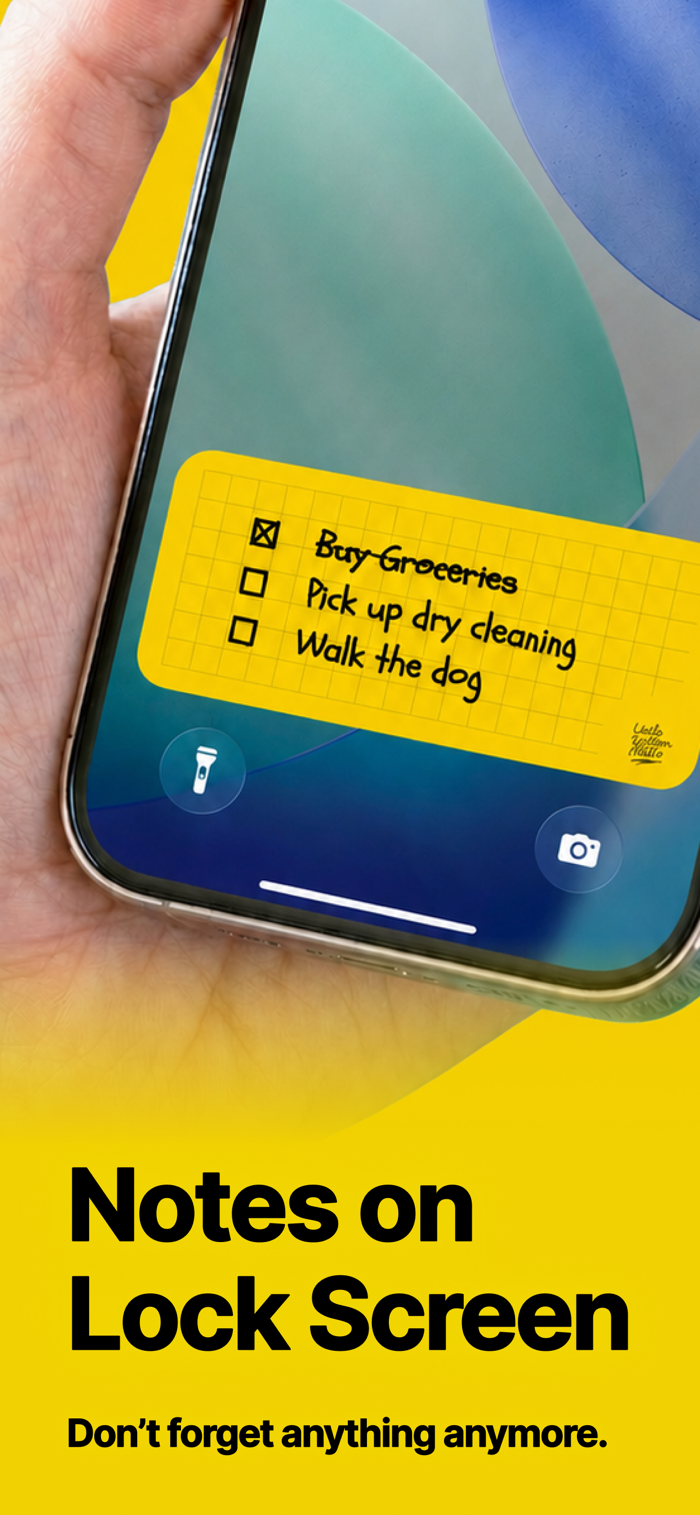
An app that lets you keep large, prominent notes right on your lock screen.
You’ll see them every time you pick up your phone, so important things will never slip your mind again.
"I did take notes..."
Even if you wrote down your notes, you might still forget to check them and end up forgetting. If this sounds familiar, this app is perfect for you.
LockScreenNotes solves this by displaying your "notes you should have checked" prominently on the lock screen.
■ Simple usage
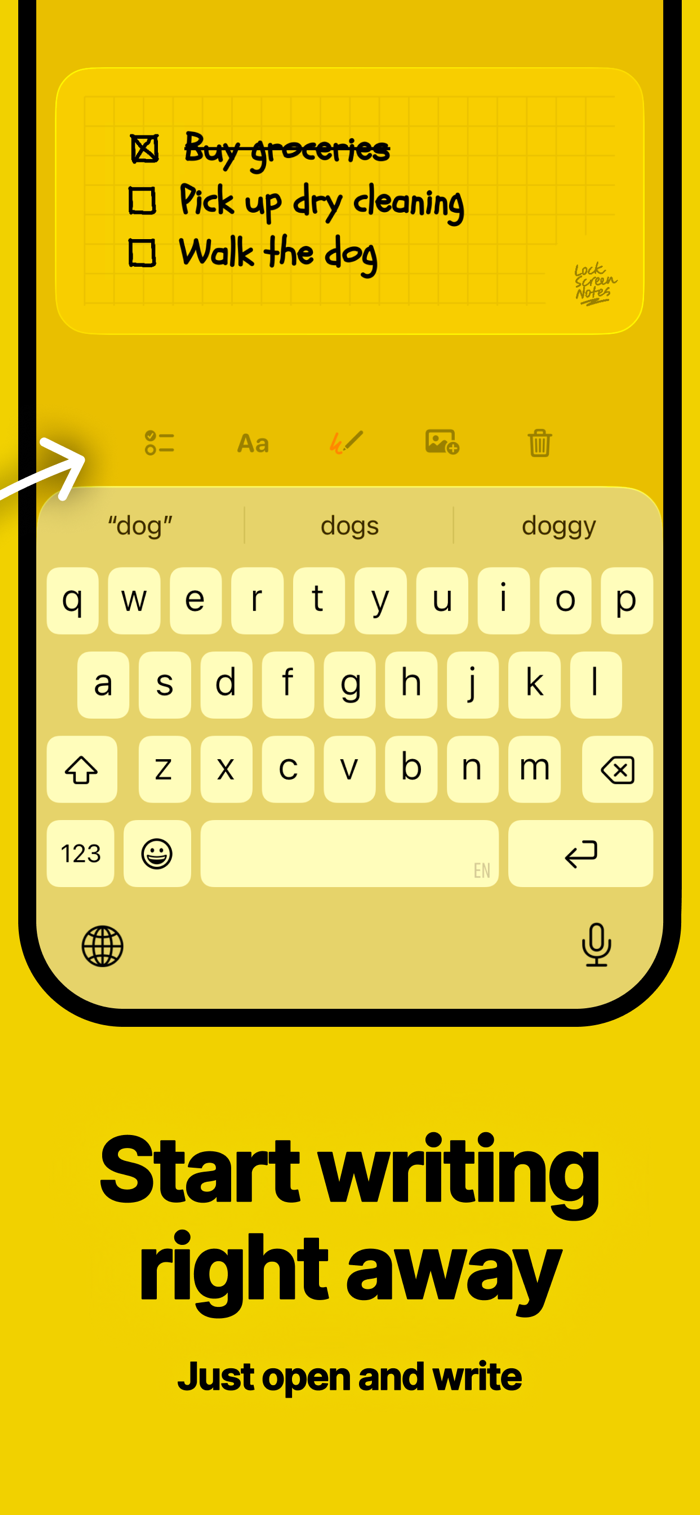
Just tap the note displayed on the lock screen to open the app and jot down what’s important. It saves automatically, so you don’t even need to worry about closing it right after typing—just focus on writing.
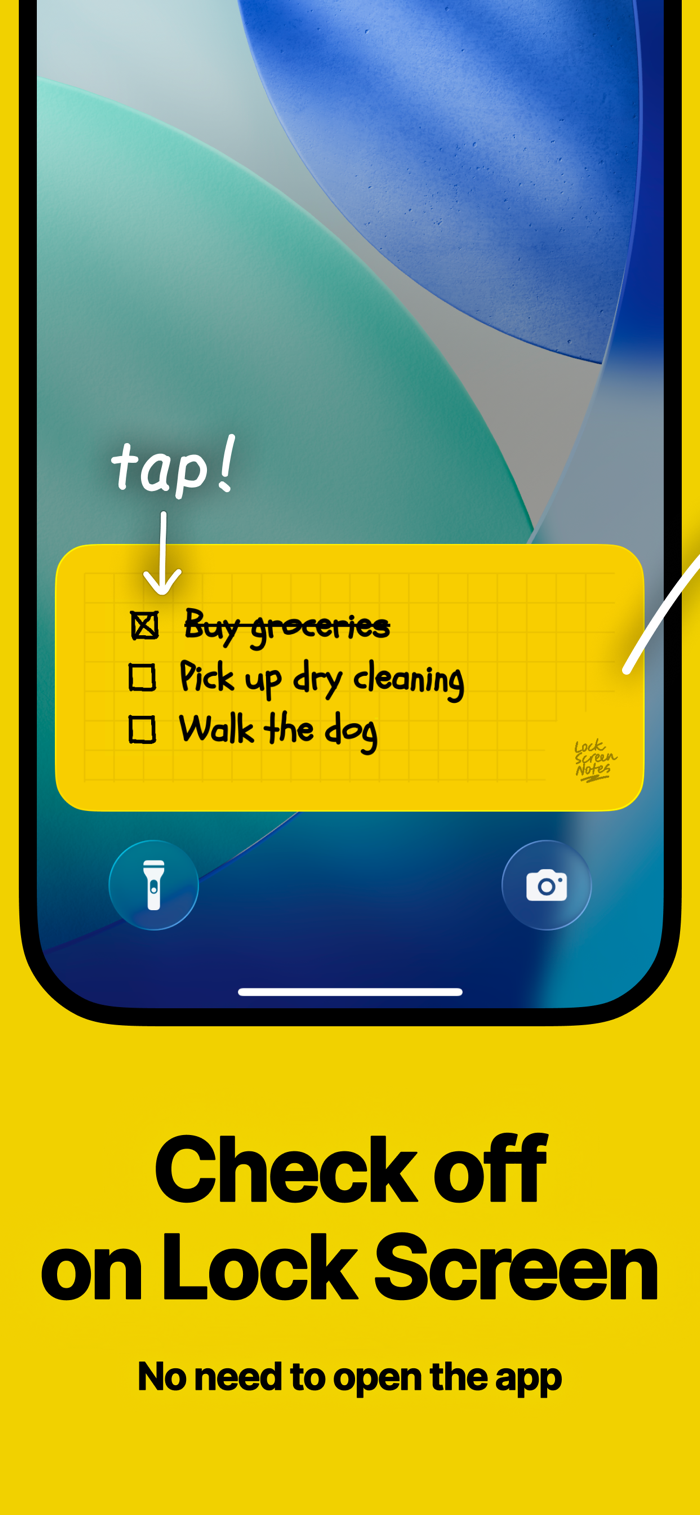
■ Manage tasks without opening the app
Check off boxes directly on the lock screen without launching the app. Whether it's a shopping list or today's to-do items, tick them off as you go.
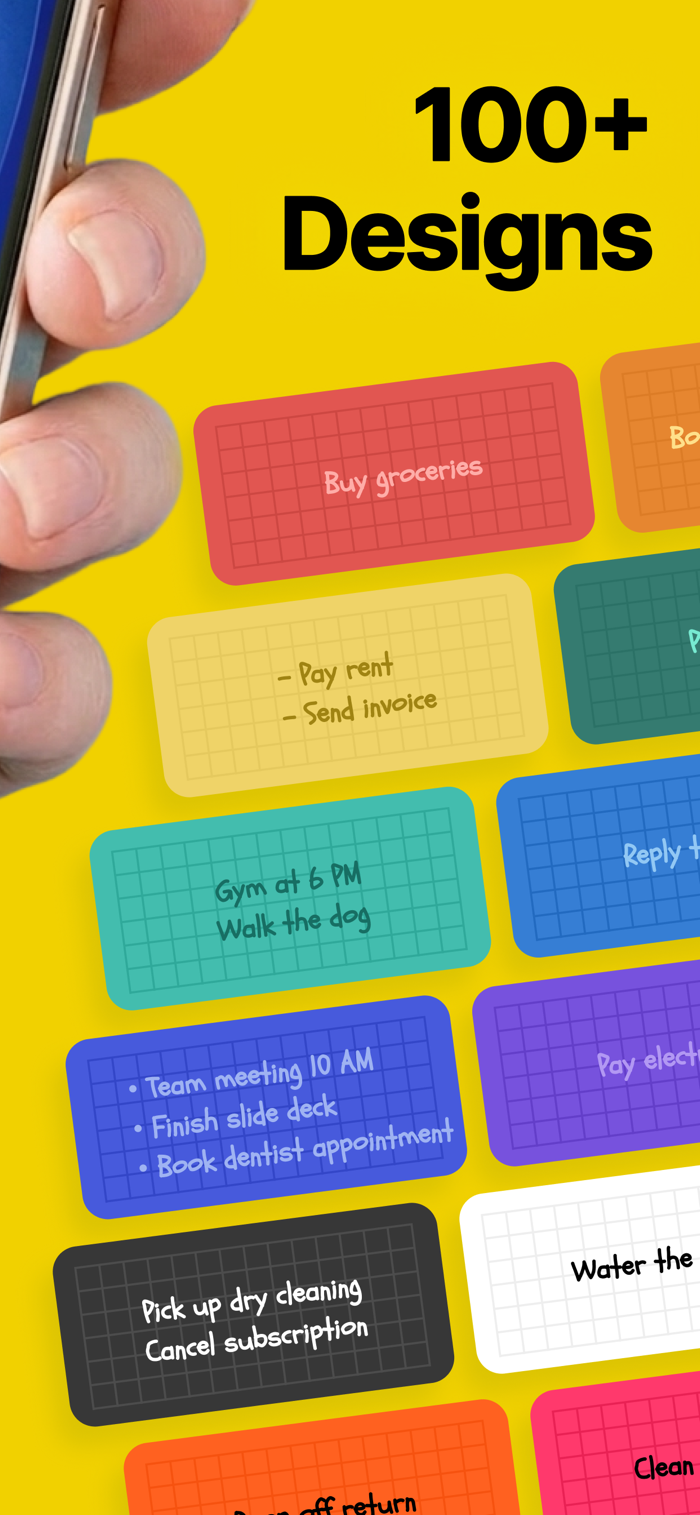
■ Over 100 designs
Choose from over 100 completely free designs. Pick one that matches your lock screen wallpaper. Customize paper color, text color, line style, and more with detailed options.
■ Write freely
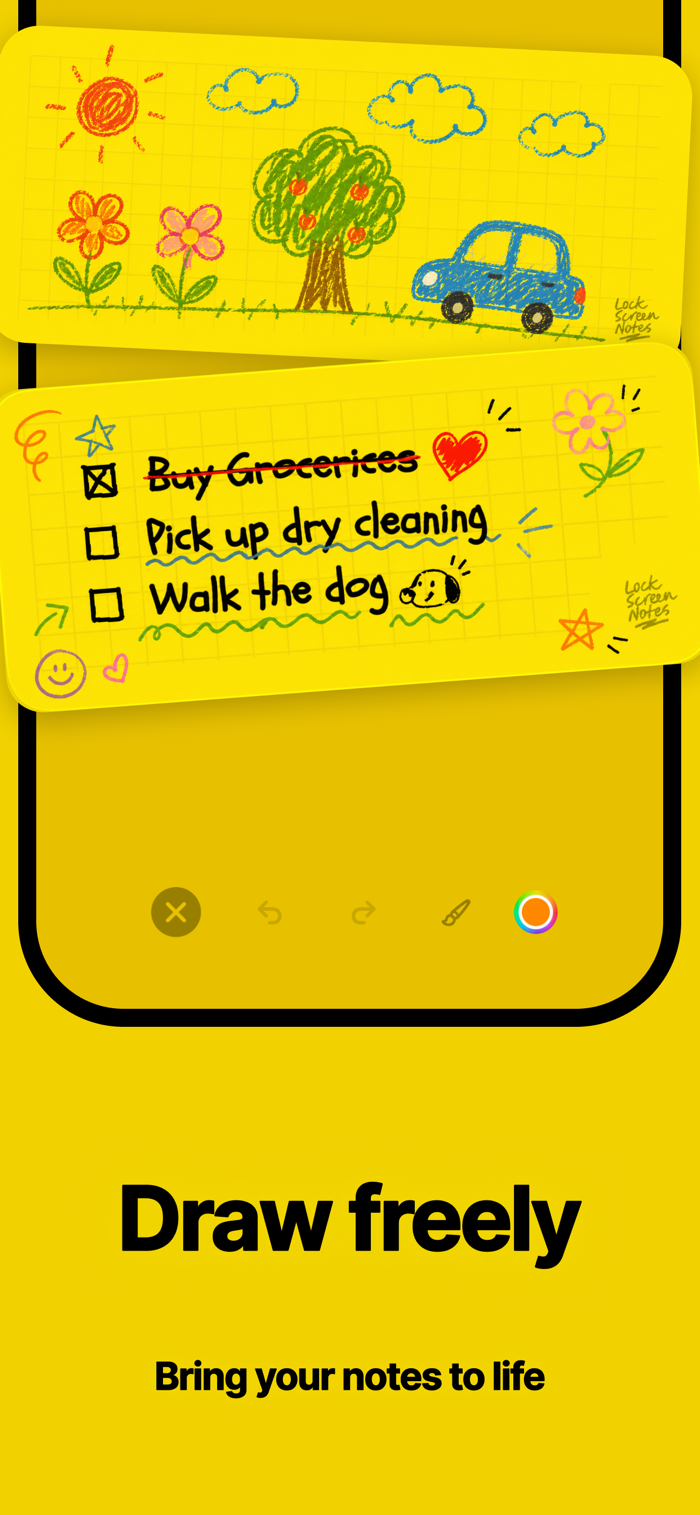
Not only keyboard input but also handwriting support. Write freely just like on a real sticky note. Underlining text might help you remember better.
■ Attach images
Select photos from your gallery to paste into your notes. Attach pictures to avoid buying the wrong items, or decorate your notes with cute character images.
■ Choose your favorite font styles
Handwritten-style fonts give you the feeling of writing on real memo pads, while clean and elegant fonts are also available—all free. Multilingual support lets you choose languages you're learning (like English or Korean) to make studying more enjoyable.
■ View your progress history
Past notes are saved in your history log and can be reviewed or edited anytime. Feel free to write as many pages as you want. The history page shows total characters written, number of pages created, and days used—a proof of your effort to remember what …