


 +100宝石
产品功能
Numbers is an innovative spreadsheet app designed for mobile devices.
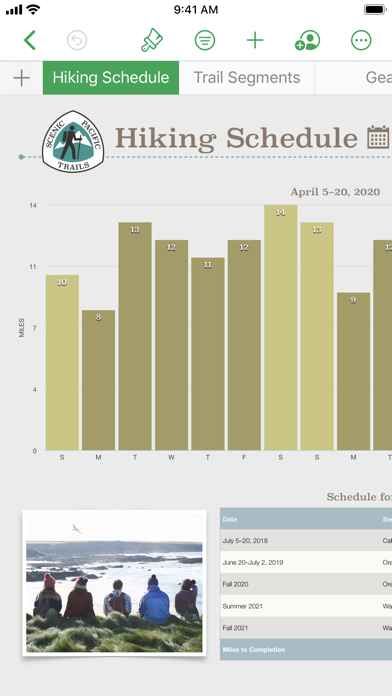
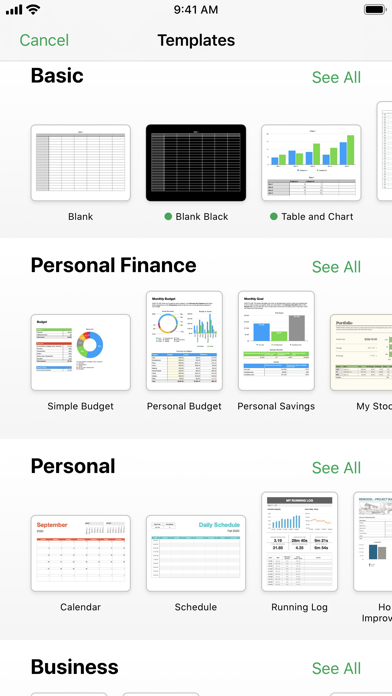
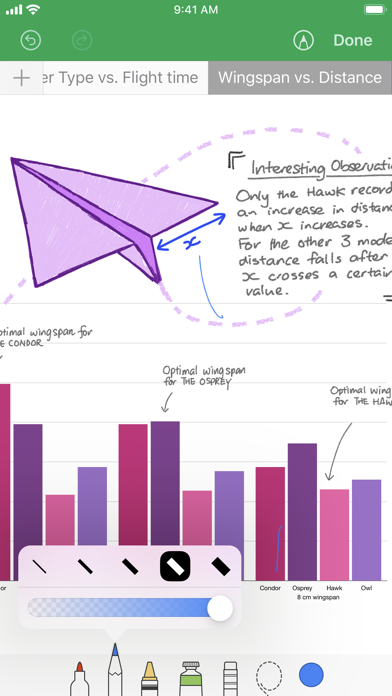
Choose from over 30 templates designed by Apple to start creating your household budget, lists, invoices, mortgage calculators, and more spreadsheets. There are hundreds of powerful functions to choose from. On supported devices, use Apple Pencil or your finger to draw and write. Tap anywhere on the flexible canvas to add tables, charts, text, and images. You can vividly plot data using interactive bar charts, column charts, scatter plots, and bubble charts. Easily filter large tables. Use pivot tables to discover patterns and trends.
Collaborate with others at the same time
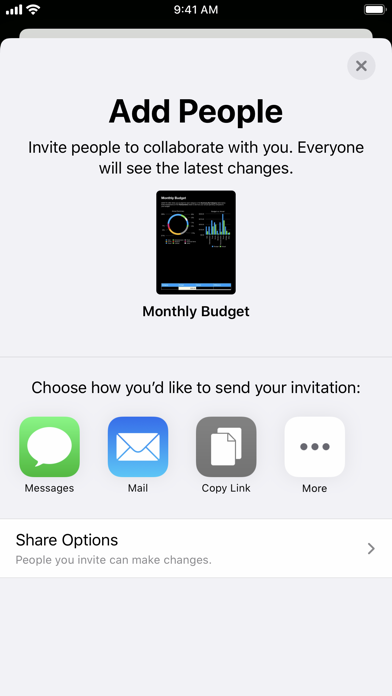
• With the real-time collaboration feature, the whole team can work on the spreadsheet simultaneously on Mac, iPad, and iPhone, and even on PC
• Share the spreadsheet publicly or with specific users, view the users currently working on the document with you, and view other users' cursors to track the edits they make
• View the list of recent changes in the collaborative spreadsheet, including the time when users joined, commented, and edited
• Applicable to spreadsheets stored in iCloud or Box
Beautiful spreadsheets
• Over 30 templates designed by Apple give your spreadsheet a good start
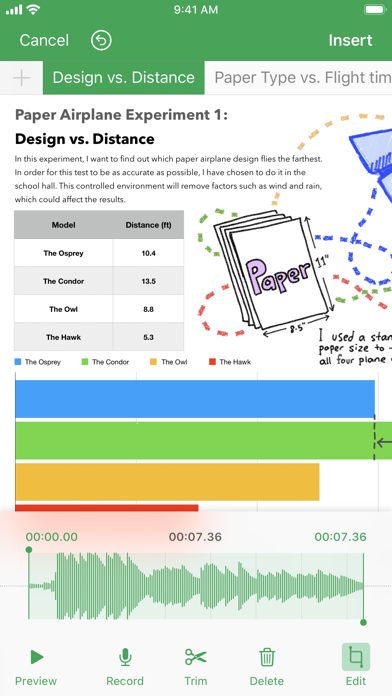
• Place tables, charts, text, and images anywhere on the flexible canvas
• Add multiple tables on a single worksheet and resize them
• Use the media browser to insert photos, music, and videos
• Use over 700 editable shapes in the shape library to optimize the spreadsheet
• Create forms to quickly enter data anywhere, anytime
• Import and edit Microsoft Excel spreadsheets, comma-separated values (CSV), and tab-delimited text
Formula functions suitable for everyone
• Hundreds of powerful functions to choose from, including XLOOKUP and RegEx
• Get function suggestions when starting to type a formula
• Search the integrated function browser for built-in help and formula examples
• Easily add stock information to the spreadsheet
Everything fits perfectly
• Use pivot tables and smart categories to view data in a brand-new way
• Quickly organize and summarize the table to gain new insights
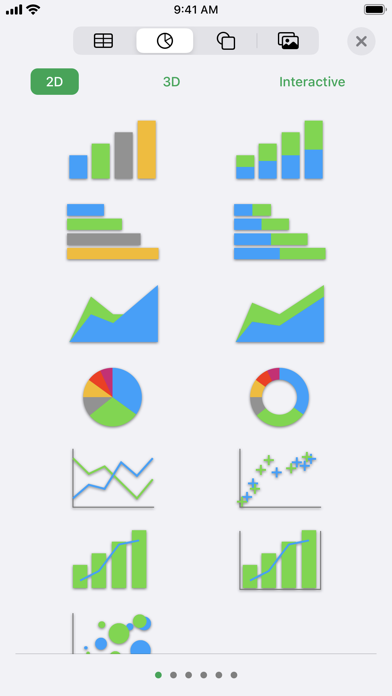
• Insert beautiful 2D and 3D charts, including bar charts, column charts, line charts, area charts, pie charts, doughnut charts, and radar charts
• Vividly display data using interactive bar charts, column charts, scatter plots, and bubble charts
• Automatically highlight cells according to the rules of numbers, text, dates, and durations
• Easily filter large tables to get specific values, text, or duplicate entries
• Modify the numerical values in cells using sliders, spinners, checkboxes, pop-up menus, and star ratings
iCloud
• Turn on iCloud, and you can access and edit the spreadsheet on Mac, iPad, iPhone, and iCloud.com in a Mac or PC browser
• Numbers will automatically store the spreadsheet after you make modifications
Share your work
• Export the spreadsheet as CSV, TSV, PDF, and Microsoft Excel
• Use AirDrop to send the spreadsheet to anyone nearby
• Quickly and easily share the work link via Mail or Messages
Some features may require access to the Internet; additional fees may apply and terms need to be followed.
分享「」体验,参与「」抽奖!
分享 1~3 张你对这个产品最满意的截图或效果图
分享「」体验,参与「」抽奖!
用你的故事点亮社区✨!你的真实体验,将会永久展示在 官方主页 📌,为其他朋友提供宝贵参考 💡。立即分享吧!🚀
请为产品评分
请选择问题回答,为大家提供宝贵参考
选择要回答的问题
温馨提示
你尚未上传产品截图。
上传截图可立即获得宝石积分奖励!
如果你赶时间,也可稍后修改评论,补上截图领取宝石。
温馨提醒
你尚未添加产品截图
⚠️ 不添加截图将降低抽奖权重

感谢参加,你已成功参加!
为了确保你能及时收到审核结果和领奖码通知

扫描二维码关注 Mergeek 公众号
在后台回复 「获奖通知」
完成上述操作,即可保障奖励发放成功






用户评价
立即分享产品体验
你的真实体验,为其他用户提供宝贵参考
💎 分享获得宝石
【分享体验 · 获得宝石 · 增加抽奖机会】
将你的产品体验分享给更多人,获得更多宝石奖励!
💎 宝石奖励
每当有用户点击你分享的体验链接并点赞"对我有用",你将获得:
🔗 如何分享
复制下方专属链接,分享到社交媒体、群聊或好友:
💡 小贴士
分享时可以添加你的个人推荐语,让更多人了解这款产品的优点!
示例分享文案:
"推荐一款我最近体验过的应用,界面设计很精美,功能也很实用。有兴趣的朋友可以看看我的详细体验评价~"
关注 Mergeek 公众号
领奖遇到问题?联系小门助手