INTRODUCTION产品介绍
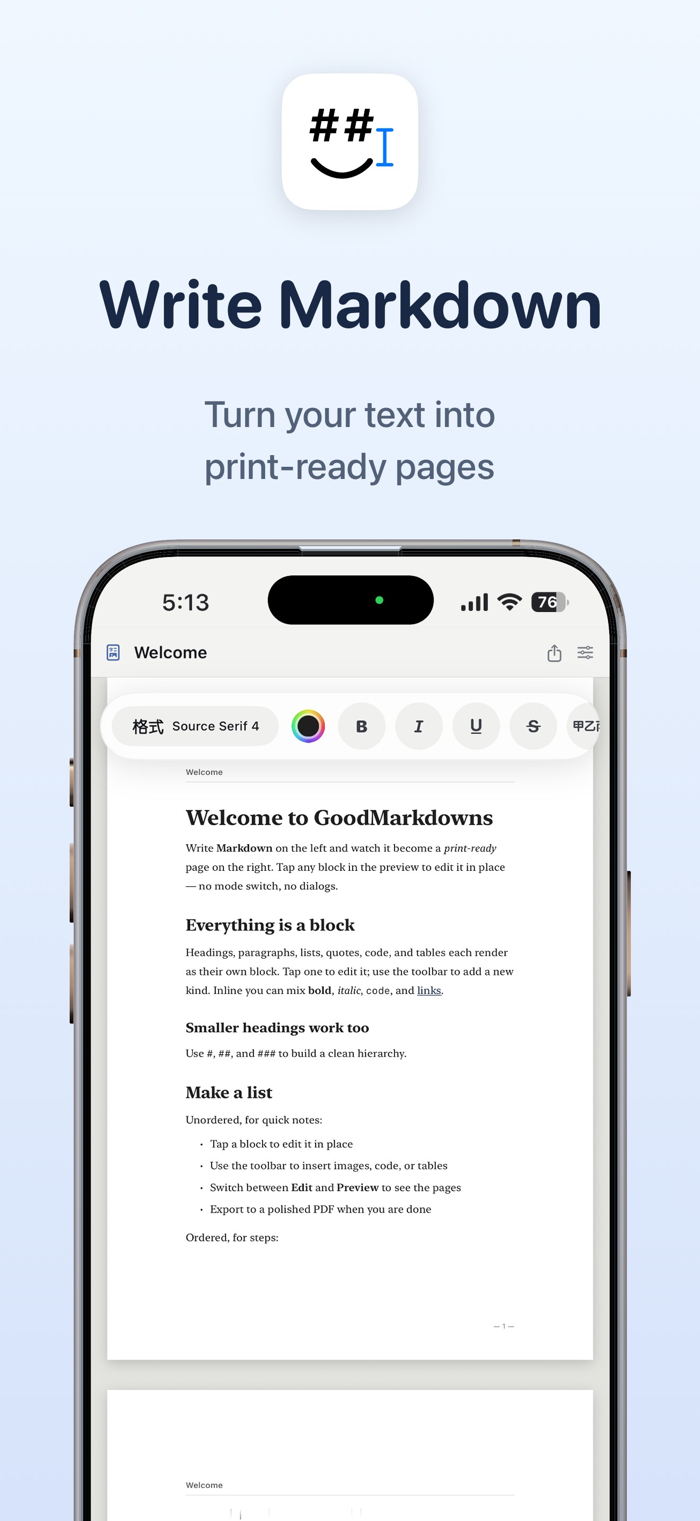
Write in Markdown and the text will be typeset onto real A4 or Letter pages in real time. You can see where each page breaks before exporting and export what you see as a print-quality PDF. There are 8 design templates, 11 document templates, 6 paper sizes and landscape pages, and you can continue writing between iPhone and iPad using iCloud.
The screen where you write Markdown is the page that will be printed in the future. As you type, the document is typeset onto real paper in real time, and you can see where each page breaks before exporting. What you see is what the exported print-quality PDF will look like.
Most Markdown editors are convenient for writing, but once it comes to finalizing a draft, you don't know what the layout will be like. The preview in GoodMarkdowns is the finished product. Whether you're writing a new piece or opening an existing .md file, you can adjust it slowly while looking at the final effect.
■ Real-time page preview
As you type, the text drops onto the A4 or Letter paper line by line. The pagination position, margins, and line break style are exactly the same as the final PDF. You can switch between single-page, two-page spread, and grid view for a full view at any time, and pinch with two fingers to continuously zoom.
■ Edit directly on the page
Tap on a title, paragraph, list, or table cell in the preview to modify it in place. The Markdown source text and the page are linked bidirectionally. You can write using the syntax or make adjustments conveniently on the page. Common operations are grouped in the block operation bar.
■ 8 design templates
Pick a layout according to your needs and switch at any time.
• Report — A clean layout suitable for work and project documents
• Academic — A classic font layout suitable for papers and essays
• Minimalist — Only the text itself, without any extra decoration
• Technical — A structured design with numbered chapters
• Manuscript — Loose line spacing, suitable for first drafts and subm…