KEEP WHAT MATTERS IN SIGHT.
ZimeZumi was developed by a person with ADHD for people with ADHD and for anyone who thinks visually. Bring thoughts, images, documents and useful connections into one personal space.
CAPTURE FIRST. ORGANIZE LATER.
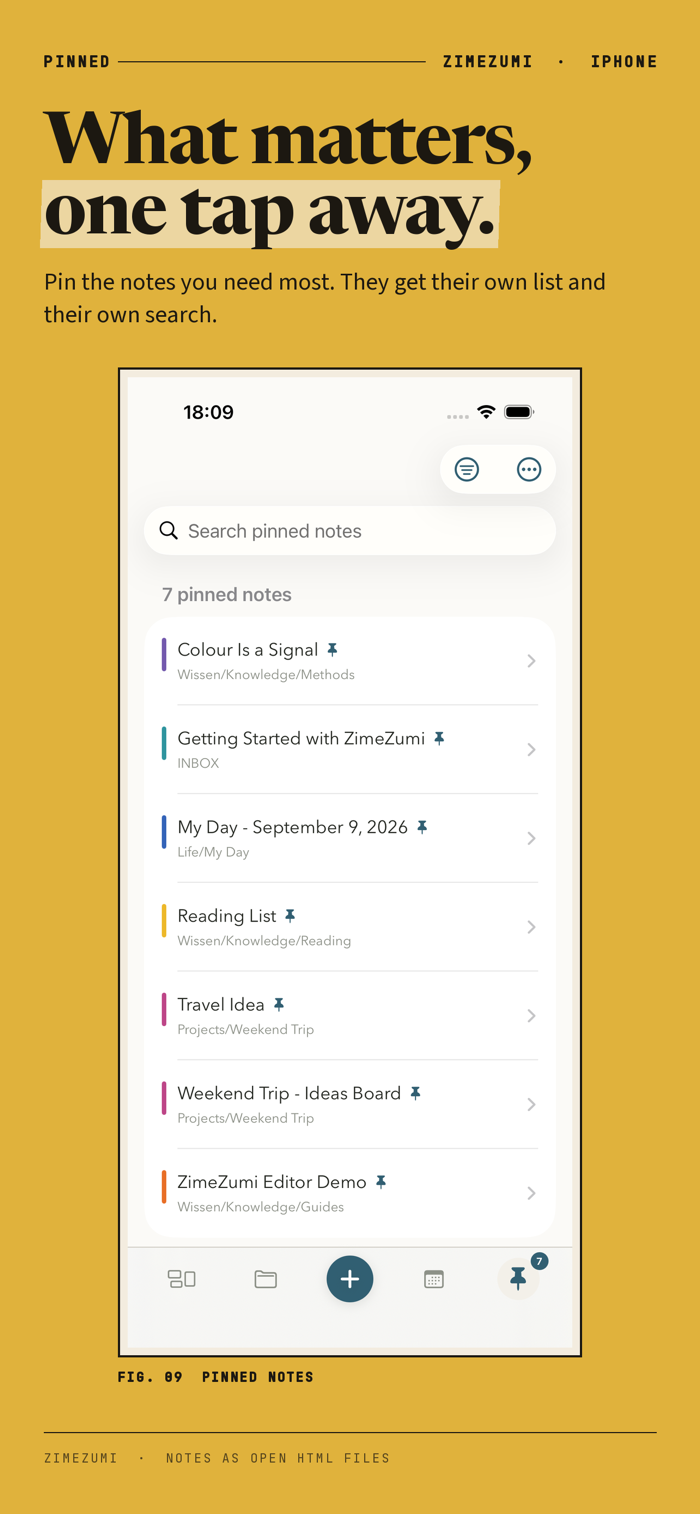
New thoughts start in the INBOX. Life areas, nested folders, colors, tags, markers and pins help you give them a home when you are ready. Search across note titles, text and tags, then narrow your results by tag or note color.
GIVE YOUR NOTES A RECOGNIZABLE SHAPE
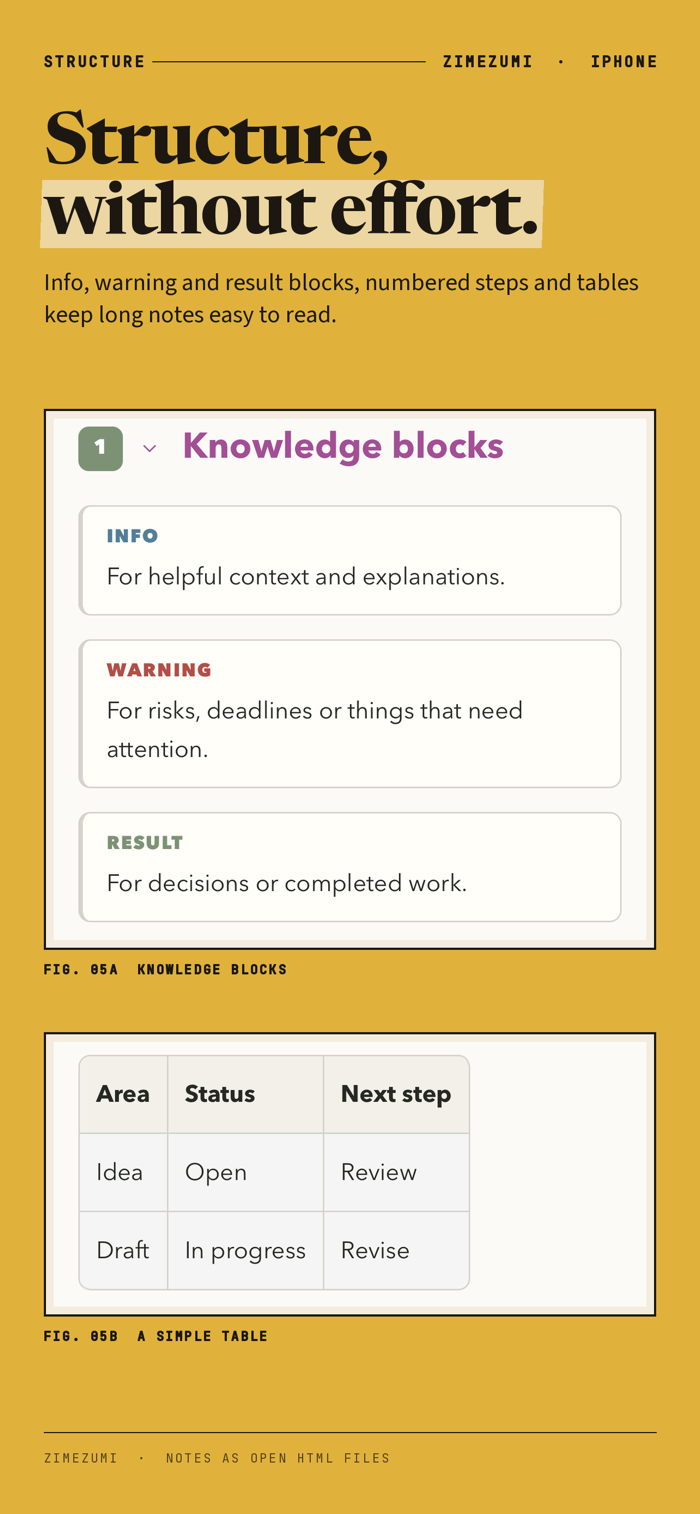
Use colored headings, highlights, knowledge blocks, lists, checklists and tables. Keep images, galleries, PDFs and other attachments beside your thoughts. Collapse sections to focus, or move a whole section with its content.
SEE THE BIG PICTURE
Your dashboard brings recent, pinned and unsorted notes together. Open a folder while the dashboard is active to see that folder's recent and marked items, with its contents in alphabetical order. Switch between lists and cards.
MAKE ROOM FOR CONNECTIONS
Arrange ideas, shapes, text and source cards on whiteboards. Connect them with lines and arrows. Open a linked note in the reference view and keep the board in sight.
KEEP FILES IN CONTEXT
Link existing files and reveal them in Finder. Connect local folders as media libraries, so originals can stay where they are. Mark a passage in an embedded PDF and link back to it. PDF markers are stored in the note; the original PDF stays unchanged.
A DAILY NOTE THAT FITS YOU
Enable My Day to create a daily note. Choose a neutral English or German template, edit your own, or copy a template from an existing note. Each vault keeps its own choice. Existing daily notes stay as they are.
BRING KNOWLEDGE IN. TAKE IT WITH YOU.
Import Markdown, Obsidian notes, HTML, text and supported office documents. Export notes as PDF, Markdown or portable HTML. A text note's HTML export can include accessible images and attachments. Back up your vault as an HTML ZIP or export a Markdown copy with fold…