Hibi 手账日历

Hibi 手账日历

Beautiful paper-style planner

创作者
Alexander Moritz Weichart

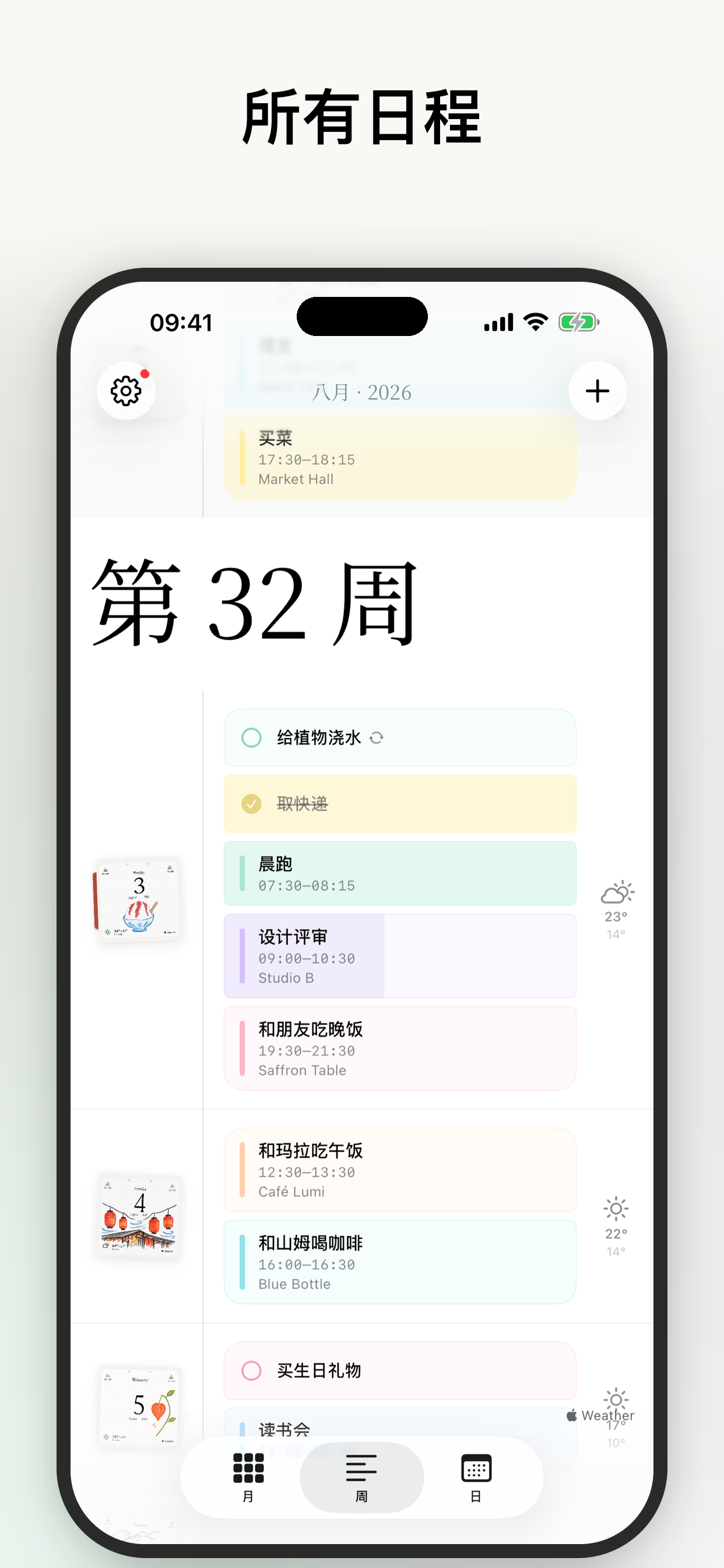
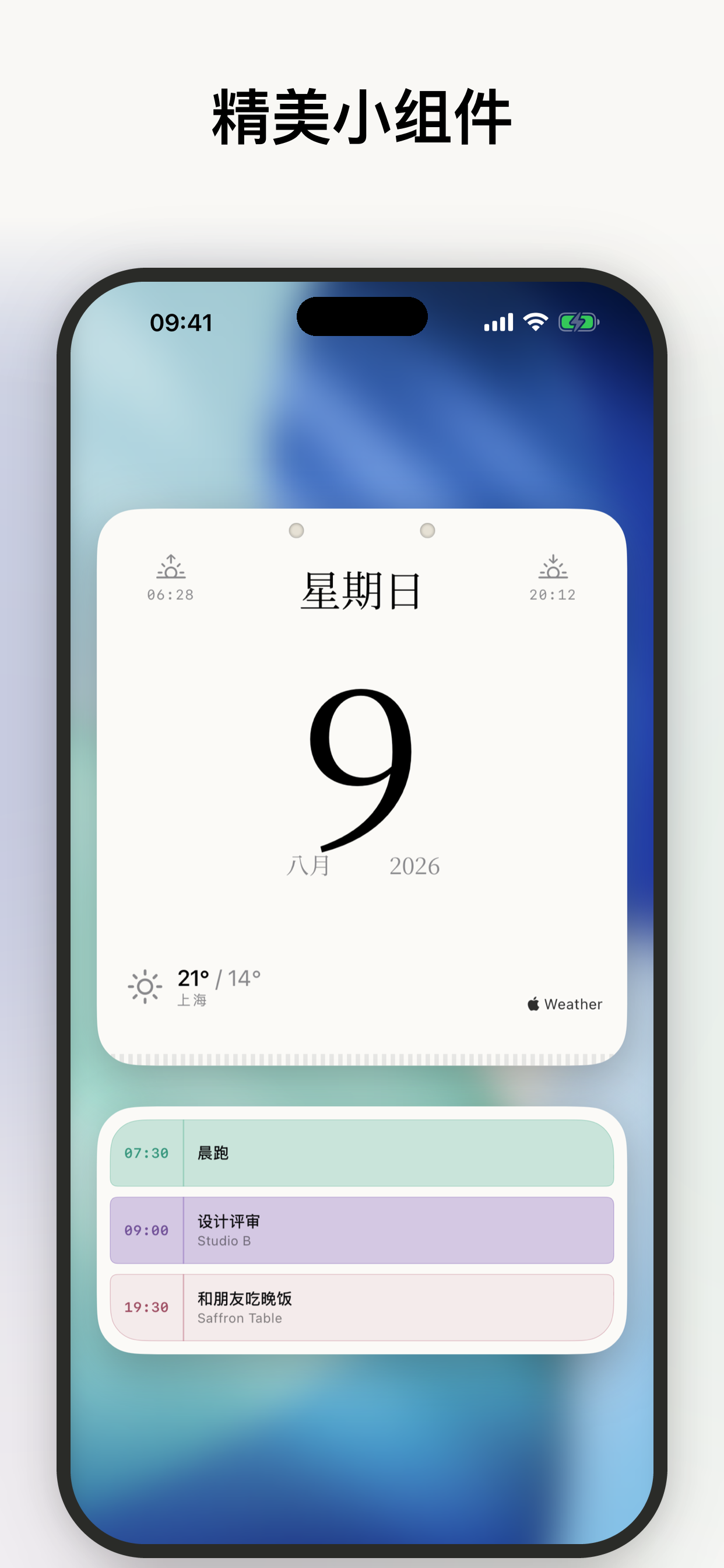
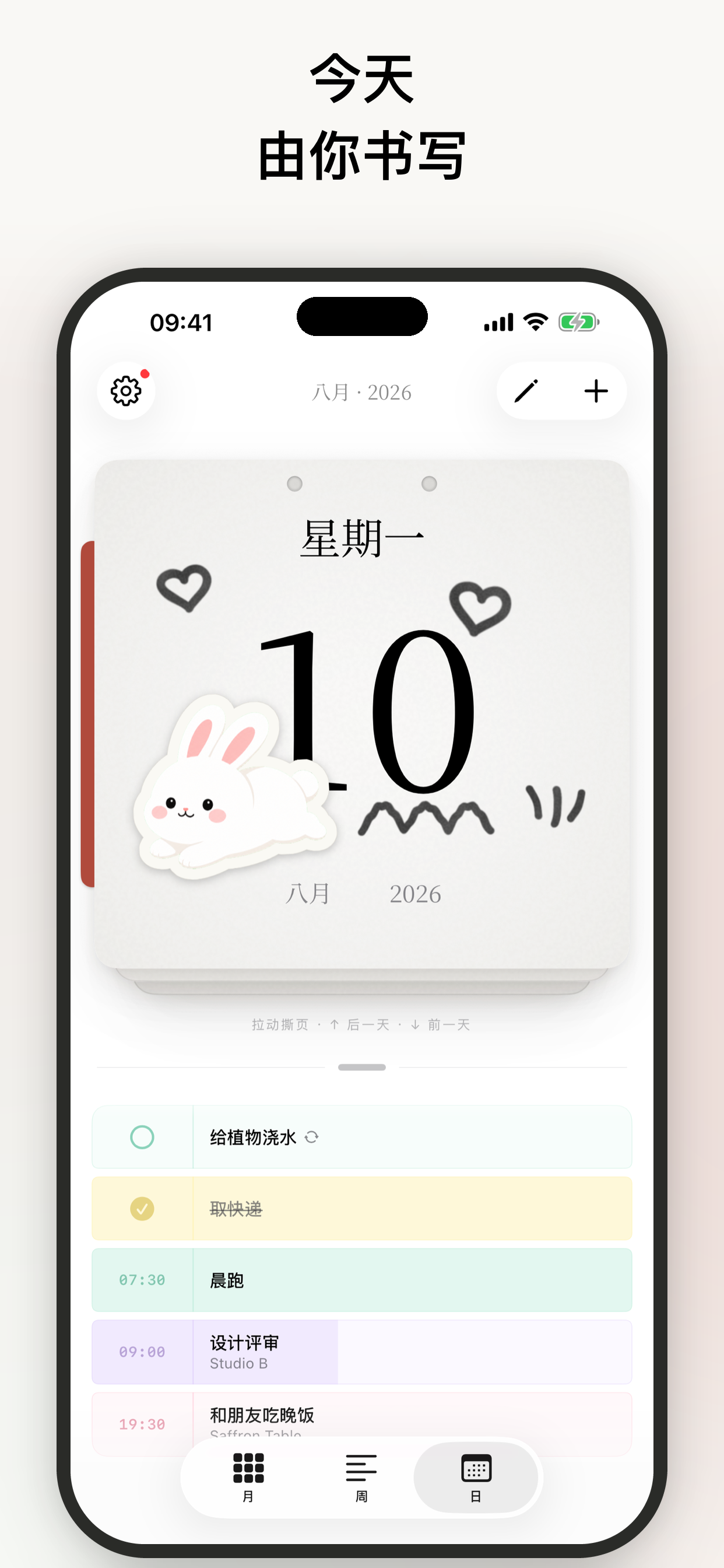
Hibi is a personal calendar App that brings the temperature and texture of paper to the iPhone. It has cream-colored pages and elegant serif fonts, and provides three ways to view schedules: daily view (swipe to tear off the card to see yesterday or tomorrow), weekly view (a flowing date-time line shows events), and monthly view (an infinitely scrollable monthly calendar grid). By working with the existing calendar through Apple's built-in calendar system, there is no need to create an account, synchronize data, or worry about cloud storage. There are also carefully selected colors, weather forecasts supported by Apple WeatherKit, specific fonts, and thoughtful details such as dark mode.
COMMUNITY PERKSMergeek 社区专属福利
独家限免 NEW每天发现一份惊喜
PRODUCT SCREENS / 6

点击查看界面细节

Hibi 手账日历 产品截图 1Hibi 手账日历 产品截图 2Hibi 手账日历 产品截图 3Hibi 手账日历 产品截图 4Hibi 手账日历 产品截图 5Hibi 手账日历 产品截图 6

Hibi (which means "day" in Japanese) is a personal calendar app that brings the warmth and texture of paper to your iPhone. Whether it's the creamy pages or the elegant serif fonts, every detail is designed to make viewing your schedule feel like flipping through a beautiful planner.

Hibi offers three ways to view your schedule:

1. Day View: A stack of paper cards that you can swipe to tear off, revealing yesterday or tomorrow.
2. Week View: A flowing timeline of dates and times, showing events for each day in chronological order.
3. Month View: An infinitely scrolling calendar grid that's easy to read.

Hibi works with all your existing calendars through Apple's built-in calendar system. No need to create an account, sync data, or worry about cloud storage.

Thoughtful details everywhere:
• Soft colors carefully selected for each calendar
• Daily weather forecasts powered by Apple WeatherKit
• An editorial aesthetic paired with the Instrument Serif font
• A carefully designed dark mode that brings a high-contrast paper texture

版本

3.6

• 通过键盘上方的悬浮格式栏,直接在页面上书写。
• 在全新的切割垫上制作贴纸与Washi,自由调整照片大小,在更宽敞的空间里选择裁切范围。
• 将月历与周历小组件添加到主屏幕。
• 把天气留在过去的页面上,回顾那一天原本的模样。
• 在日视图中,将纸张放在日程的左侧或右侧。前往“设置 → 显示 → 日”即可调整。
• 自由选择是否分享功能使用情况,帮助改进Hibi。日历和页面内容不会被分享,你可以随时在“设置 → 隐私”中更改选择。

查看完整更新记录 ↗

你的真实体验,为其他用户提供宝贵参考,获得宝石奖励

REWARD MARKET100 宝石可兑换什么?
用户体验图片
。。。。。⛰️
最喜欢的功能 它不是独立的日程库,直接读取苹果自带日历事件,不用重复录入两套日程,不会出现两边数据不同步的麻烦。这样方便使用,值得推荐
用户体验图片
依水儿
第一印象 一开始是无意中刷到的一个视频推荐Hibi,一下子就被可爱的画风吸引住了。我已经用了一段时间,特别喜欢随手拍图做成和纸贴纸和贴图,小小的日历界面一下子丰富起来,属于我独一无二的一天记录,有种无痛做手账的快乐。一个月下来,看到被填满的彩色日历特别有成就感!非常推荐!
用户体验图片
* 🌙.+·
第一印象 新手教程不长,基本上都可以自己摸索。希望可以自带一些初始的贴纸和胶带…也可能是因为我第一次接触类似手账的元素…素材匮乏,对我而言上手有些没有灵感。但是作为一个日程日历来说挺不错的,每日日程一目了然,还能顺带看天气、日出时间和日落时间。
加载更多评论 ↗
广告