


 +100宝石

产品功能
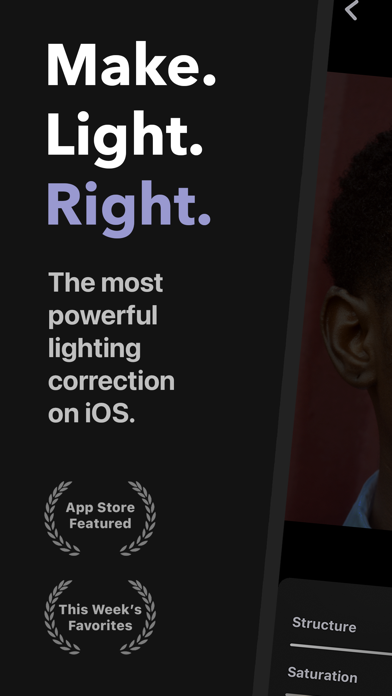
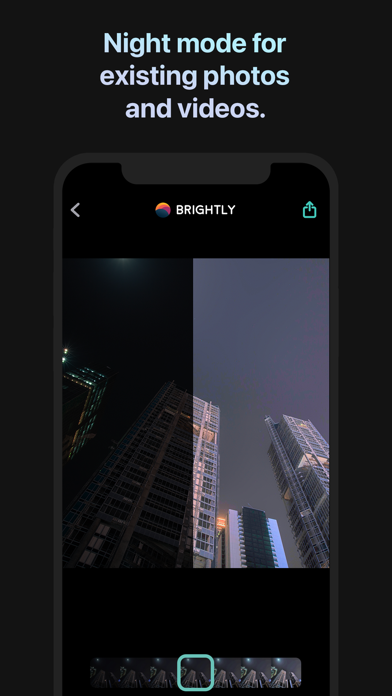
Automatically brighten your photos and videos exactly where they are needed most.
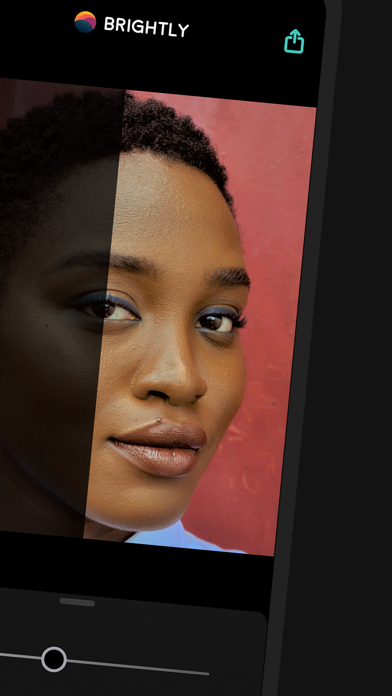
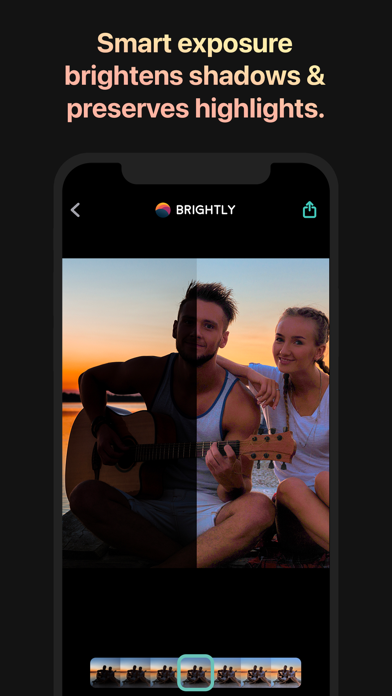
With a single slider, Brightly adaptively brightens your photos in real time, revealing hidden details while maintaining a pleasing balance between light and dark areas, without overexposing regions that are already well-lit. Brightly also enhances video footage, applying lighting changes smoothly over time. Refine your results with a comprehensive set of professional-grade adjustments and elevate your editing workflow with essential pro features like RAW photo support and 4K video.
Magic Bar
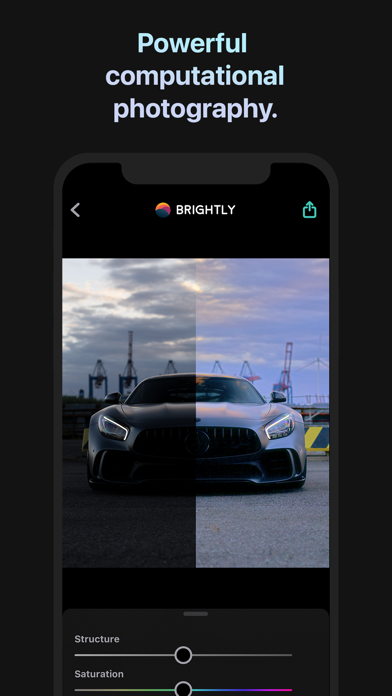
When capturing photos, you often encounter uncontrollable lighting challenges: insufficient or uneven lighting, underexposure, backlit subjects, and inconsistent shadows. Thanks to its image processing algorithms that identify dark and bright areas within a photo—and how they interact—Brightly tackles these challenges, which traditional photo editing apps cannot resolve. Not only are the dark areas brightened, but their details and contrast are also enhanced. Already-lit areas remain free from overexposure and blend seamlessly with darker regions, resulting in visually pleasing, natural-looking images.
All this computation is consolidated into a single control: the Magic Bar. It is simple, fast, and intuitive. A quick tap allows you to adjust the lighting of photos and videos instantly, saving time and requiring less editing than other photo applications.
Video and Live Photos
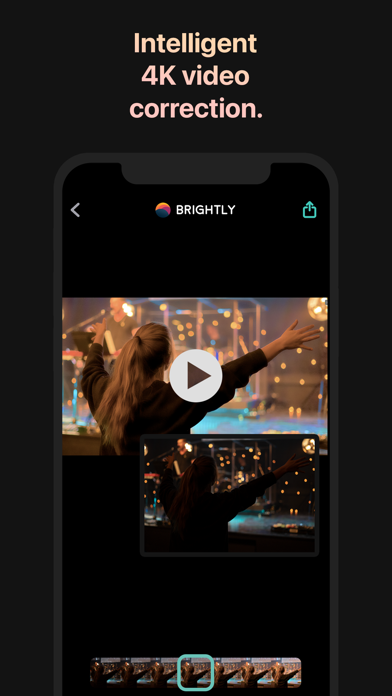
Unlike other low-light photo apps, Brightly works with videos—including 4K, slow-motion, and timelapse footage—as well as Live Photos. Designed specifically for video, its algorithms dynamically brighten your clips and transition smoothly over time, ensuring they still look great even when lighting conditions change.
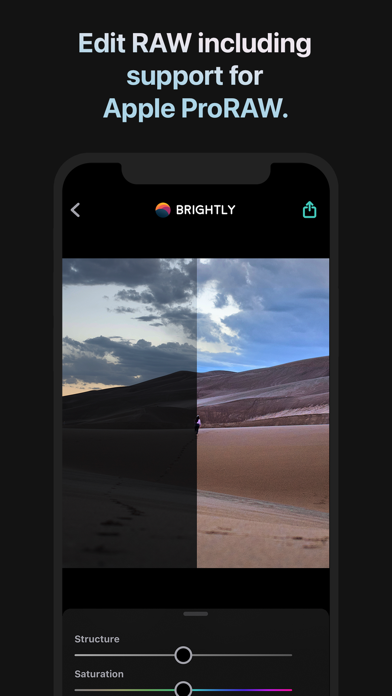
RAW and Wide Color Gamut Photos
Brightly can read RAW, Apple ProRAW, and wide color gamut photos, processing them with high precision to suit professional workflows. Results can be saved in JPEG format as well as lossless PNG and TIFF formats.
Adjustments
Brightly offers more than ten adjustment tools to fine-tune the results from the Magic Bar. Some are familiar controls you’d expect from any photo app: crop, exposure, contrast, saturation, vibrance, warmth, shadows, highlights, black, white, vignette, sharpening, and noise reduction. Others are unique to Brightly. Brilliance provides additional brightness boosts when needed without causing overexposure. Structure enhances local detail, with a more noticeable effect in darker areas compared to brighter ones. White Balance is a two-part control calibrated to eliminate color casts both indoors and outdoors. Surface Blur smooths large areas instantly while preserving edge definition.
Capture More
Other low-light photo apps require long exposures and/or multiple shots of the same scene, along with steady hands or a mounted camera. Moving objects during exposure introduce blur, and video recording isn’t possible. Moreover, these apps cannot improve photos you’ve already captured. This is exactly where Brightly excels.
Whether shooting photos or videos, Brightly empowers you to capture moments freely, giving you the flexibility to adjust lighting during post-processing. It also breathes new life into photos and videos in your library that were previously considered unusable.
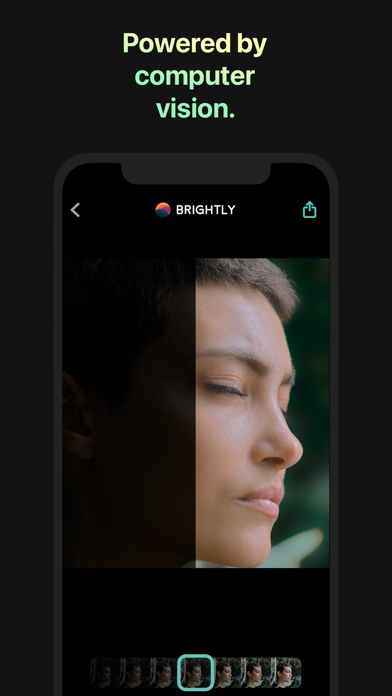
Brightly’s computational photography engine combines computer vision science—how the human eye perceives light, color, and contrast—with the art of photography to restore images harmoniously.
Brightly is the perfect addition to any professional photographer’s toolkit.
Built for iOS
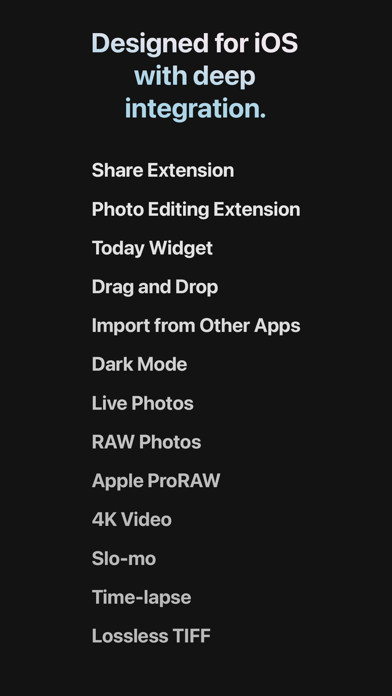
Designed exclusively for iOS, Brightly features deep integration, including drag-and-drop functionality and Dark Mode. It integrates seamlessly with the Photos app via photo extensions and share sheet extensions, allowing you to launch it quickly from other apps or through the Today widget, making editing simple and convenient.
For more information, visit our website: www.codeorgana.com.
分享「」体验,参与「」抽奖!
分享 1~3 张你对这个产品最满意的截图或效果图
分享「」体验,参与「」抽奖!
用你的故事点亮社区✨!你的真实体验,将会永久展示在 官方主页 📌,为其他朋友提供宝贵参考 💡。立即分享吧!🚀
请为产品评分
请选择问题回答,为大家提供宝贵参考
选择要回答的问题
温馨提示
你尚未上传产品截图。
上传截图可立即获得宝石积分奖励!
如果你赶时间,也可稍后修改评论,补上截图领取宝石。
温馨提醒
你尚未添加产品截图
⚠️ 不添加截图将降低抽奖权重

感谢参加,你已成功参加!
为了确保你能及时收到审核结果和领奖码通知

扫描二维码关注 Mergeek 公众号
在后台回复 「获奖通知」
完成上述操作,即可保障奖励发放成功





用户评价
立即分享产品体验
你的真实体验,为其他用户提供宝贵参考
💎 分享获得宝石
【分享体验 · 获得宝石 · 增加抽奖机会】
将你的产品体验分享给更多人,获得更多宝石奖励!
💎 宝石奖励
每当有用户点击你分享的体验链接并点赞"对我有用",你将获得:
🔗 如何分享
复制下方专属链接,分享到社交媒体、群聊或好友:
💡 小贴士
分享时可以添加你的个人推荐语,让更多人了解这款产品的优点!
示例分享文案:
"推荐一款我最近体验过的应用,界面设计很精美,功能也很实用。有兴趣的朋友可以看看我的详细体验评价~"
关注 Mergeek 公众号
领奖遇到问题?联系小门助手