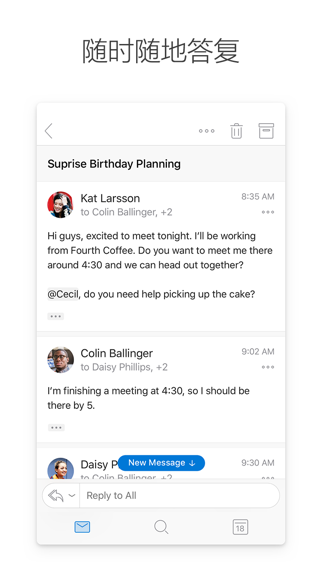
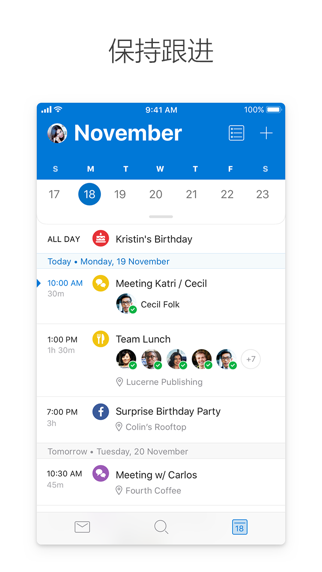
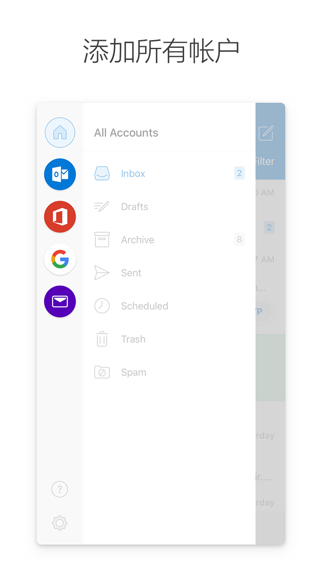
With Outlook, you can keep all your email accounts and calendars in one place. Whether you're staying on top of your inbox or scheduling your next big thing, it helps you be your most productive, organized, and connected self.
Outlook for iOS has the following advantages:
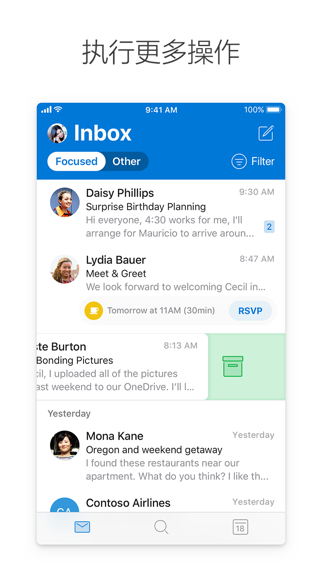
- The intelligent inbox helps you sort the emails that need immediate attention from the others, keeping you focused on the right things.
- Swipe to quickly schedule, delete, and archive emails.
- Share your meeting availability with a single tap and easily find time to meet with others.
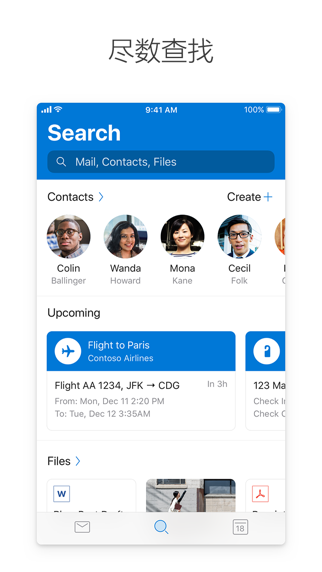
- Use the new search experience to find everything you need, including files, contacts, and upcoming events.
- View and attach any file from email, OneDrive, Dropbox, etc., without having to download it to your phone.
- Link all your favorite apps to Outlook, including Facebook, Evernote, Trello, etc.
- Open Word, Excel, or other Office document attachments and edit them directly in the corresponding app, then attach them back to an email.
--
Outlook for iOS works with Microsoft Exchange, Office 365, Outlook.com (including Hotmail and MSN), Gmail, Yahoo Mail, and iCloud.
--
To purchase an Office 365 Home or Personal subscription within the app, open the app, go to "Settings", and tap "Upgrade" next to your Outlook.com or Hotmail.com account. In the United States, subscriptions start at $6.99 per month, and the price varies by region. With an Office 365 subscription, you get 1TB...


 +100宝石

 分享
分享









用户评价
立即分享产品体验
你的真实体验,为其他用户提供宝贵参考
💎 分享获得宝石
【分享体验 · 获得宝石 · 增加抽奖机会】
将你的产品体验分享给更多人,获得更多宝石奖励!
💎 宝石奖励
每当有用户点击你分享的体验链接并点赞"对我有用",你将获得:
🔗 如何分享
复制下方专属链接,分享到社交媒体、群聊或好友:
💡 小贴士
分享时可以添加你的个人推荐语,让更多人了解这款产品的优点!
示例分享文案:
"推荐一款我最近体验过的应用,界面设计很精美,功能也很实用。有兴趣的朋友可以看看我的详细体验评价~"
关注 Mergeek 公众号
领奖遇到问题?联系小门助手