Record your steps every day. Turn the days you want to share into pictures and stories. Of course, you can also save them for memory.
Has there ever been a day when you've gone through a lot,留下了很多回忆,回过神来才发现自己已经走了 20,000, 30,000, 50,000 steps or even more?
I have. As the creator of Senda, my phone相册里曾经存满了各种计步 App 的截图。
That's how Senda was born.
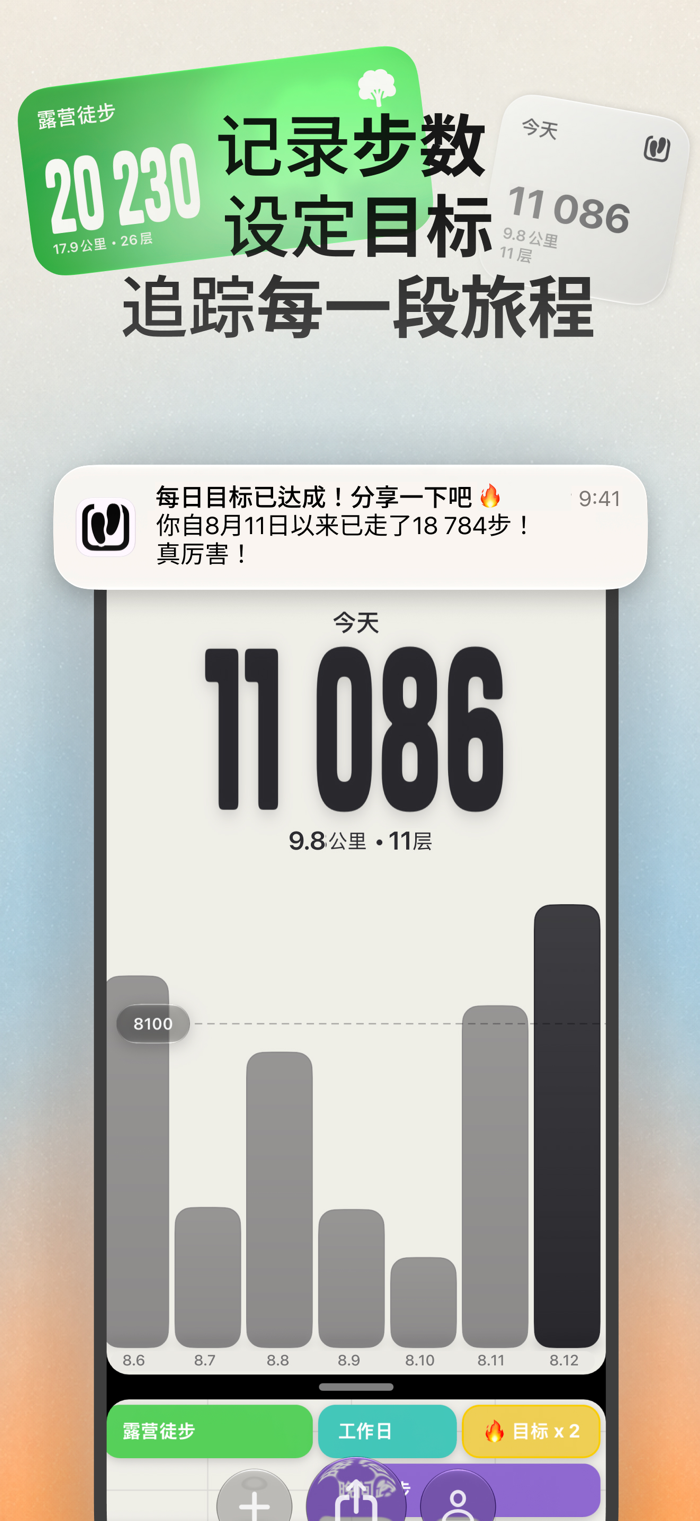
It continuously records your steps, using the same data as Apple Health. You don't need to start a workout, nor do you need to remember to manually start or end the recording before and after a walk. Open Senda, and you can browse the complete walking history and share any day at any time.
Senda only reads the data already saved on your phone. It doesn't save this data elsewhere, nor does it add activity data on its own.
Senda also has an activity calendar.
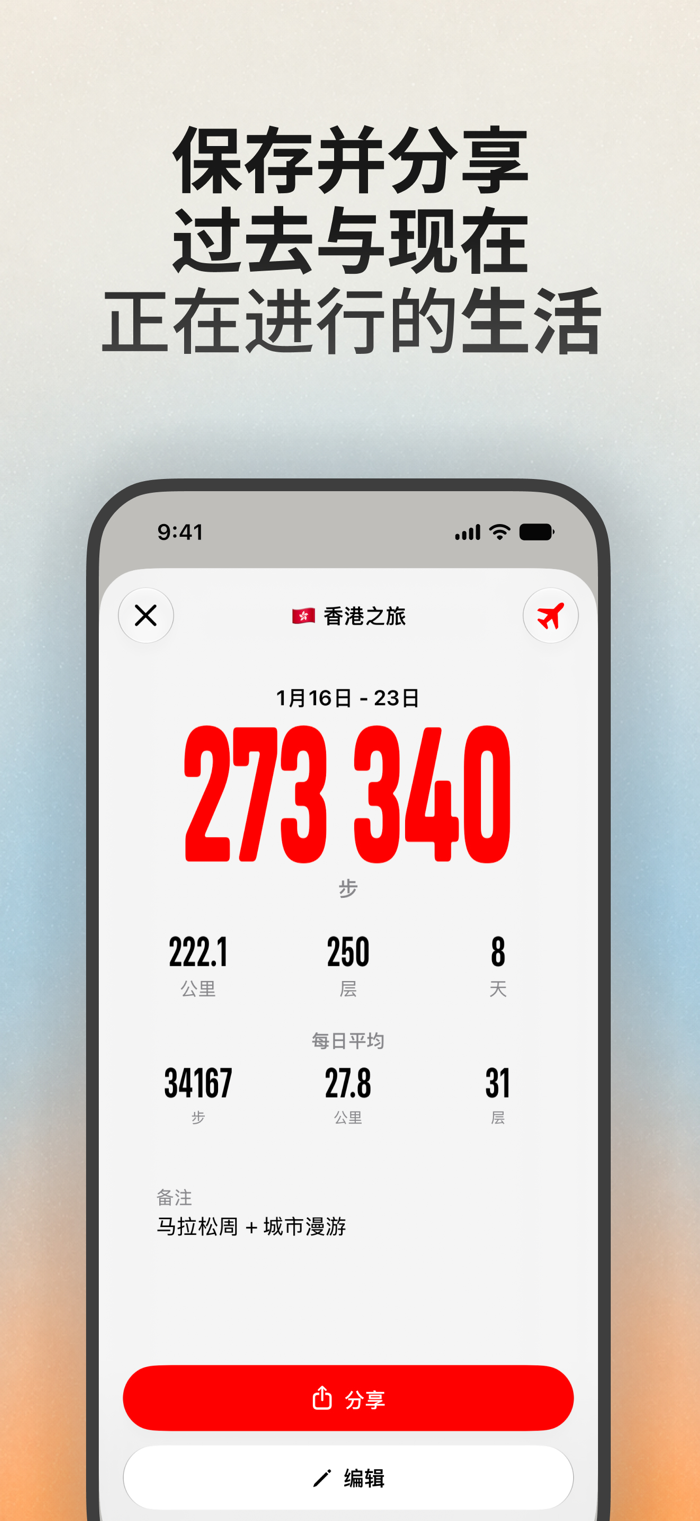
This is the closest thing to an "exercise record" in the app, but you can fill in past activities at any time, even if it happened 10 years ago. Just select the date, add a name, and Senda will create an activity and automatically calculate the total steps within the entire time range.
Of course, you don't need to open Senda every day. Not every day will have a special walk worth recording.
So Senda provides home screen and lock screen widgets. Without opening the app, you can view the steps for the day and track any saved activity through the widgets. The data is continuously updated.
Have a daily goal? Set a goal, and it will be shown as a separate activity in the calendar. Whenever you complete the goal for the day, the consecutive record will automatically continue to the next day. You can receive notifications when you reach the goal and also check how many consecutive days you've met the goal at any time.
Whether it's a single day, a multi-day time range, a calendar activity, or a consecutive achievement record, it can be shared through Senda Canvas.
After selecting a time range, you can use 35+ stickers designed specifically for step sharing to add the d…