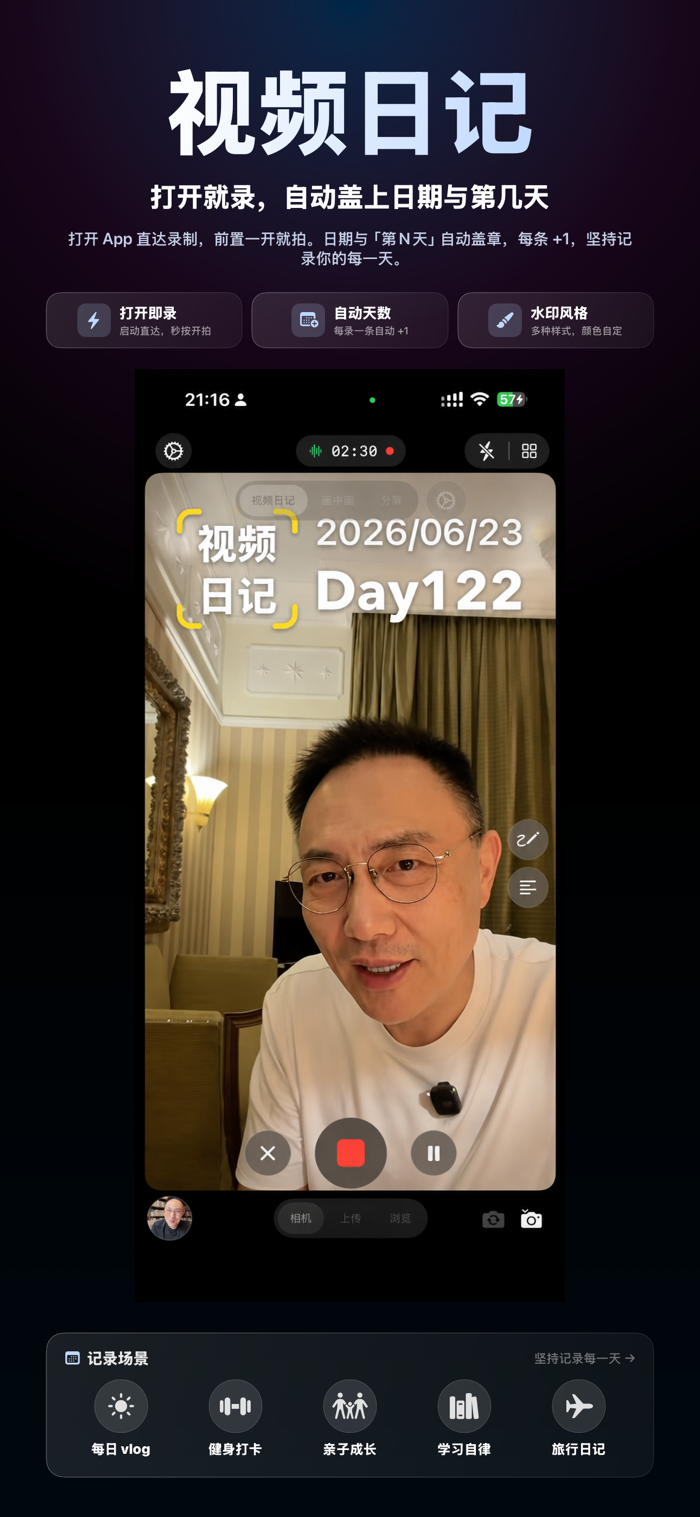
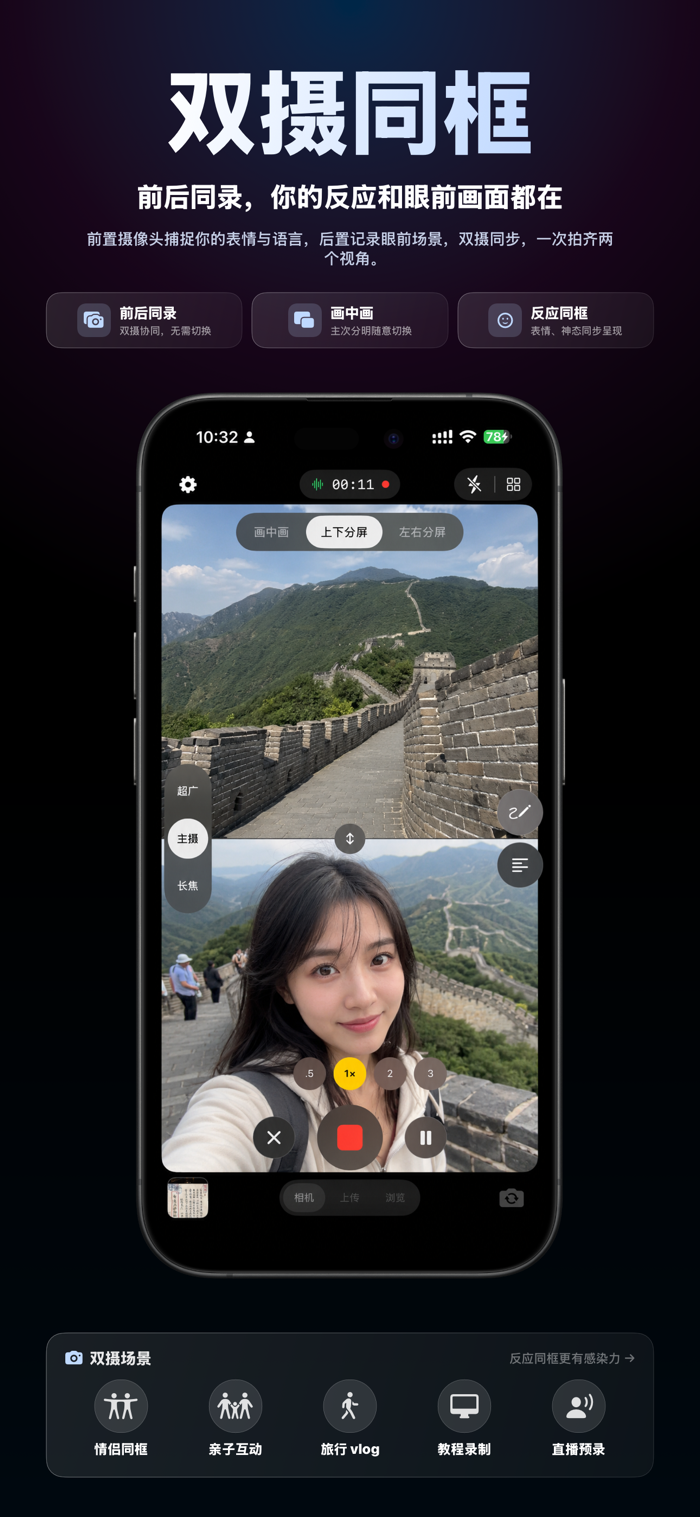
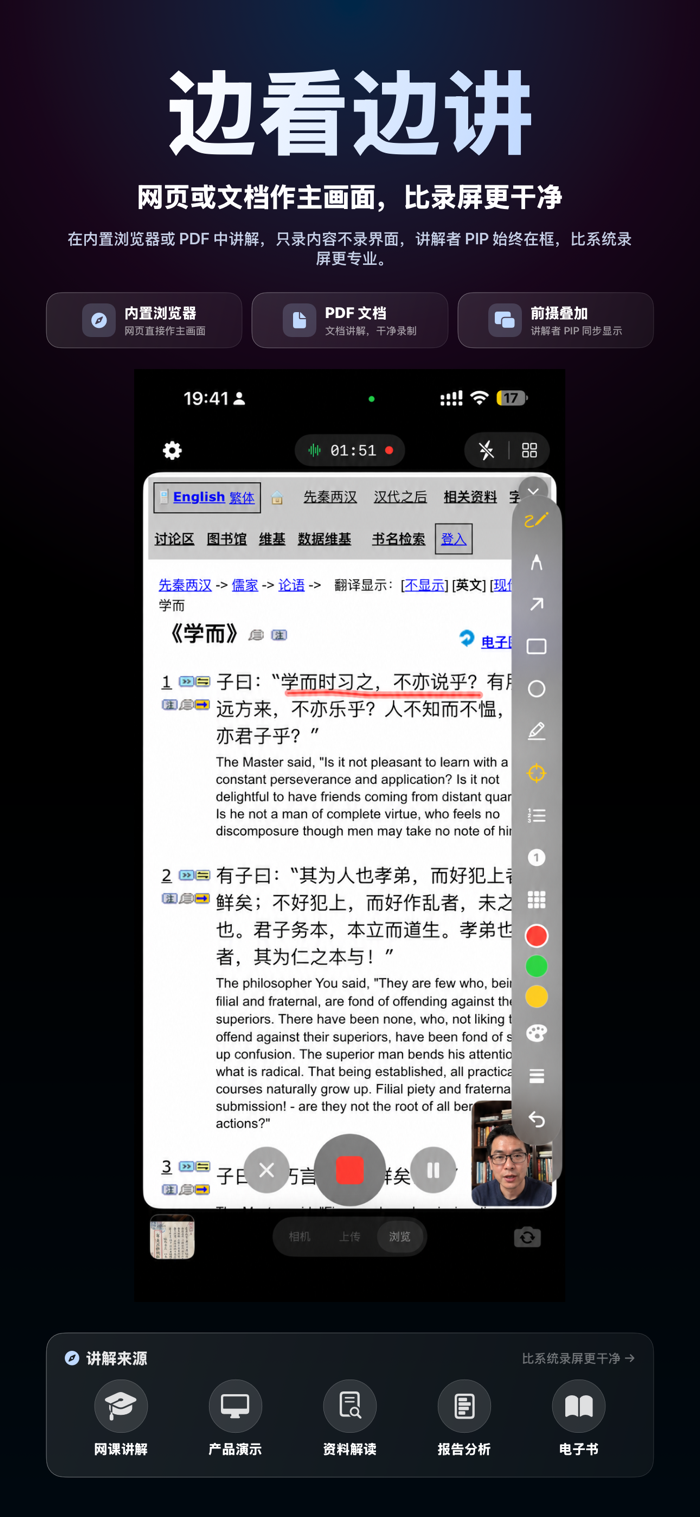
New "Video Diary": When recording a series of content, the days and dates are automatically marked, and the "Day N" watermark is directly incorporated into the finished video, adding a strong sense of ceremony to your check-ins / Vlogs / growth records. Dual front and rear cameras record simultaneously · Talk while playing · Real-time annotation · Prompt tool · Built-in browser, ready to share right after recording.
Still troubled by repeatedly editing and splicing explanation videos? CamTalk allows you to synchronously record video playback, real-person explanation, and real-time annotation all at once. The recorded video is the finished product, completely saying goodbye to post-recording editing.
---
Core Features
【Prompt Tool, Smooth Oral Recording】
• Input the script before recording, and it will automatically scroll during recording, eliminating the need to memorize lines or look down at the script.
• The scrolling speed is adjustable, and it supports pausing, skipping segments, and looping.
• The script is only visible to you and will not be recorded into the finished video.
【Talk While Playing, Record Once】
• Import any video and record your explanations, reactions, and voice while playing.
• Dual-video mode: The upper and lower video materials are compared on the same screen, making contradictory words and actions, as well as time and space comparisons, clearly visible.
• The video is the finished product right after playing, without the need for a timeline or editing and splicing.
【Dual Front and Rear Cameras Record Simultaneously】
• The front and rear cameras are turned on simultaneously, recording both perspectives at once.
• Picture-in-picture or left/right / up/down split-screen, freely switch the layout.
• The PIP window can be dragged and scaled, and the composition can be adjusted at any time during recording.
【Real-time Annotation, Key Points Clearly Visible】
• Use arrows to point to key points and highlighters to mark key words.
• The lase…