












 App Store






加入 Mergeek 福利群
扫码添加小助手,精彩福利不错过!
若不方便扫码,请在 Mergeek 公众号,回复 群 即可加入
- 精品限免
- 早鸟优惠
- 众测送码
 Earth Timelapse - Street maps
 4.6
4.6
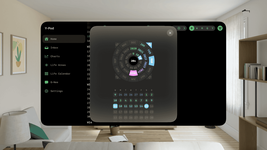
Earth Timelapse is a powerful geographic information tool that allows users to explore digitally archived historical imagery, capturing changes across the world over time. By accessing world imagery basemaps, users can easily view images from specific dates and observe changes in urban development, natural events, and more.
Key Features:
Simultaneous Display of Google Street View and Apple Look Around:
Long press on the map or search for an address to display Google Street View and Apple Look Around simultaneously.
Timeline and Slider:
A timeline on the left displays selectable years. Drag the slider to choose different years' imagery and visually examine map changes over time.
Search Functionality:
The magnifying glass icon at the top right is the search button. Tap to search for locations and quickly navigate to areas of interest.
Imagery Playback:
The play button at the bottom allows users to browse historical imagery changes at selected speeds. Adjust playback speed to quickly or gradually view changes in specific locations, gaining an intuitive understanding of development processes.
Speed Adjustment:
The "+" and "-" buttons on the right side of the bottom progress bar adjust the playback speed of the imagery, making browsing historical imagery more flexible.
Direction Indicator:
The compass icon at the top left shows the current map direction, helping users orient themselves.
Historical Imagery Recording:
The camera icon at the center-right is the recording button. Tap to start screen recording and capture map changes, generating a video. This feature is ideal for creating presentations or reports on map changes. Once finished, the video is saved to the device's gallery for easy sharing and archiving.
Use Cases:
Academic Research: Researchers can view historical change data for specific areas, conducting geographic and environmental studies.
Urban Planning: Urban planners can compare historical imagery to understand urban development changes, providing a basis for future planning.
Education: Teachers can show geographic changes, helping students intuitively understand geographic and environmental transformations.
Contact Us:
If you have any questions or suggestions, please contact us through the feedback function within the app. We will respond promptly to improve the app.
Privacy Policy:
We value your privacy. All data is used solely to enhance the user experience. For detailed information, please refer to our privacy policy.
Earth Timelapse is a powerful geographic information tool that allows users to explore digitally archived historical imagery, capturing changes across the world over time. By accessing world imagery basemaps, users can easily view images from specific dates and observe changes in urban development, natural events, and more.
Key Features:
Simultaneous Display of Google Street View and Apple Look Around:
Long press on the map or search for an address to display Google Street View and Apple Look Around simultaneously.
Timeline and Slider:
A timeline on the left displays selectable years. Drag the slider to choose different years' imagery and visually examine map changes over time.
Search Functionality:
The magnifying glass icon at the top right is the search button. Tap to search for locations and quickly navigate to areas of interest.
Imagery Playback:
The play button at the bottom allows users to browse historical imagery changes at selected speeds. Adjust playback speed to quickly or gradually view changes in specific locations, gaining an intuitive understanding of development processes.
Speed Adjustment:
The "+" and "-" buttons on the right side of the bottom progress bar adjust the playback speed of the imagery, making browsing historical imagery more flexible.
Direction Indicator:
The compass icon at the top left shows the current map direction, helping users orient themselves.
Historical Imagery Recording:
The camera icon at the center-right is the recording button. Tap to start screen recording and capture map changes, generating a video. This feature is ideal for creating presentations or reports on map changes. Once finished, the video is saved to the device's gallery for easy sharing and archiving.
Use Cases:
Academic Research: Researchers can view historical change data for specific areas, conducting geographic and environmental studies.
Urban Planning: Urban planners can compare historical imagery to understand urban development changes, providing a basis for future planning.
Education: Teachers can show geographic changes, helping students intuitively understand geographic and environmental transformations.
Contact Us:
If you have any questions or suggestions, please contact us through the feedback function within the app. We will respond promptly to improve the app.
Privacy Policy:
We value your privacy. All data is used solely to enhance the user experience. For detailed information, please refer to our privacy policy.
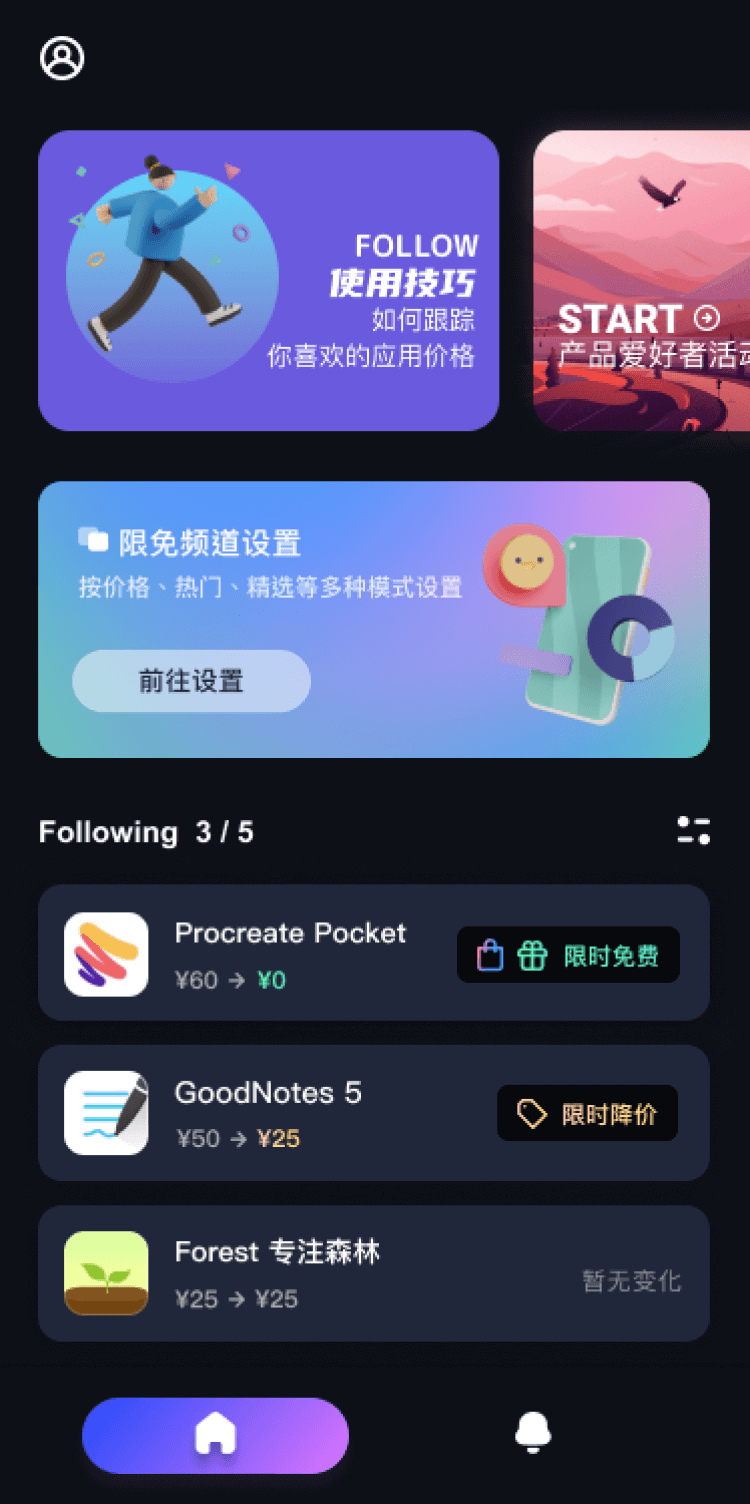
第一时间掌握精选限免应用/游戏信息
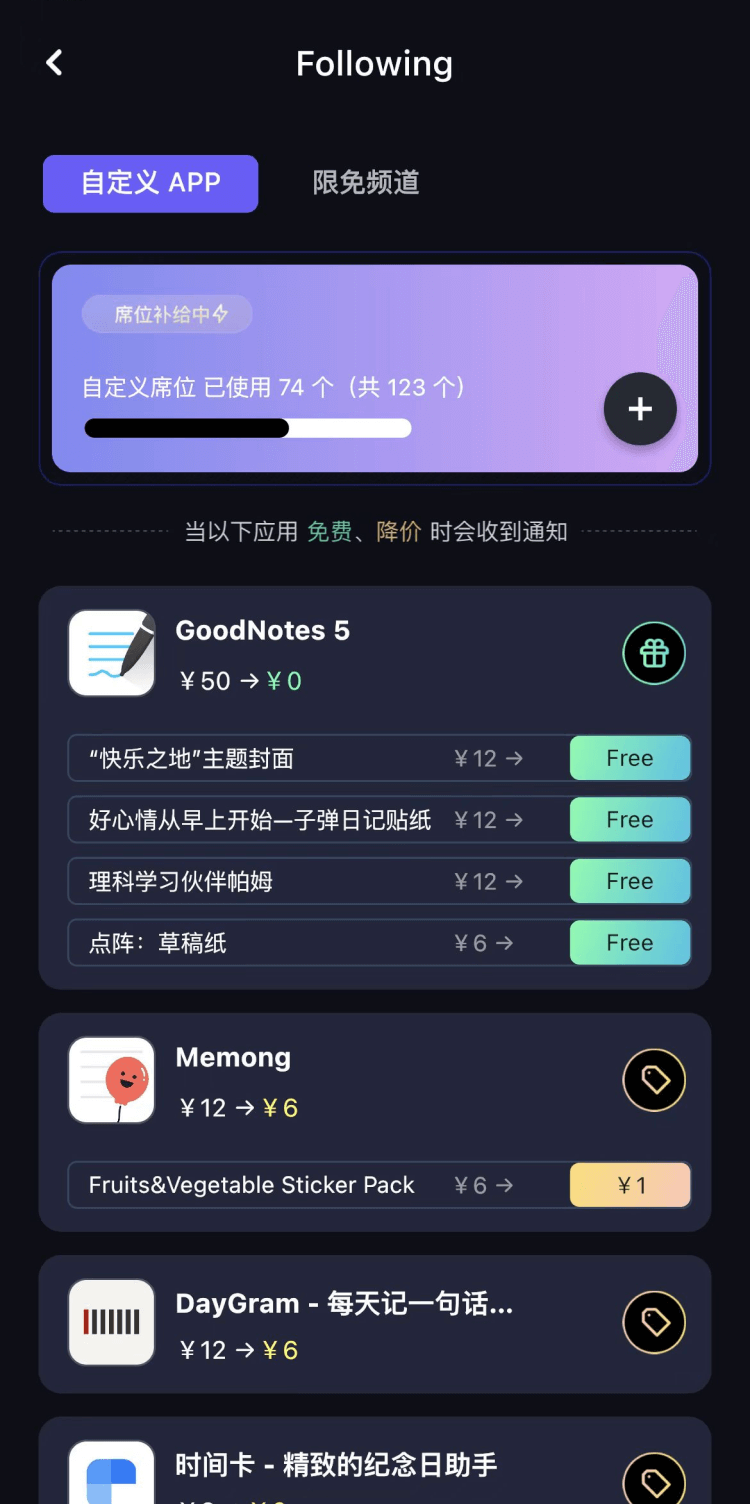
自定义喜欢的应用/游戏的价格变动
了解内购应用/游戏的限免或降价活动
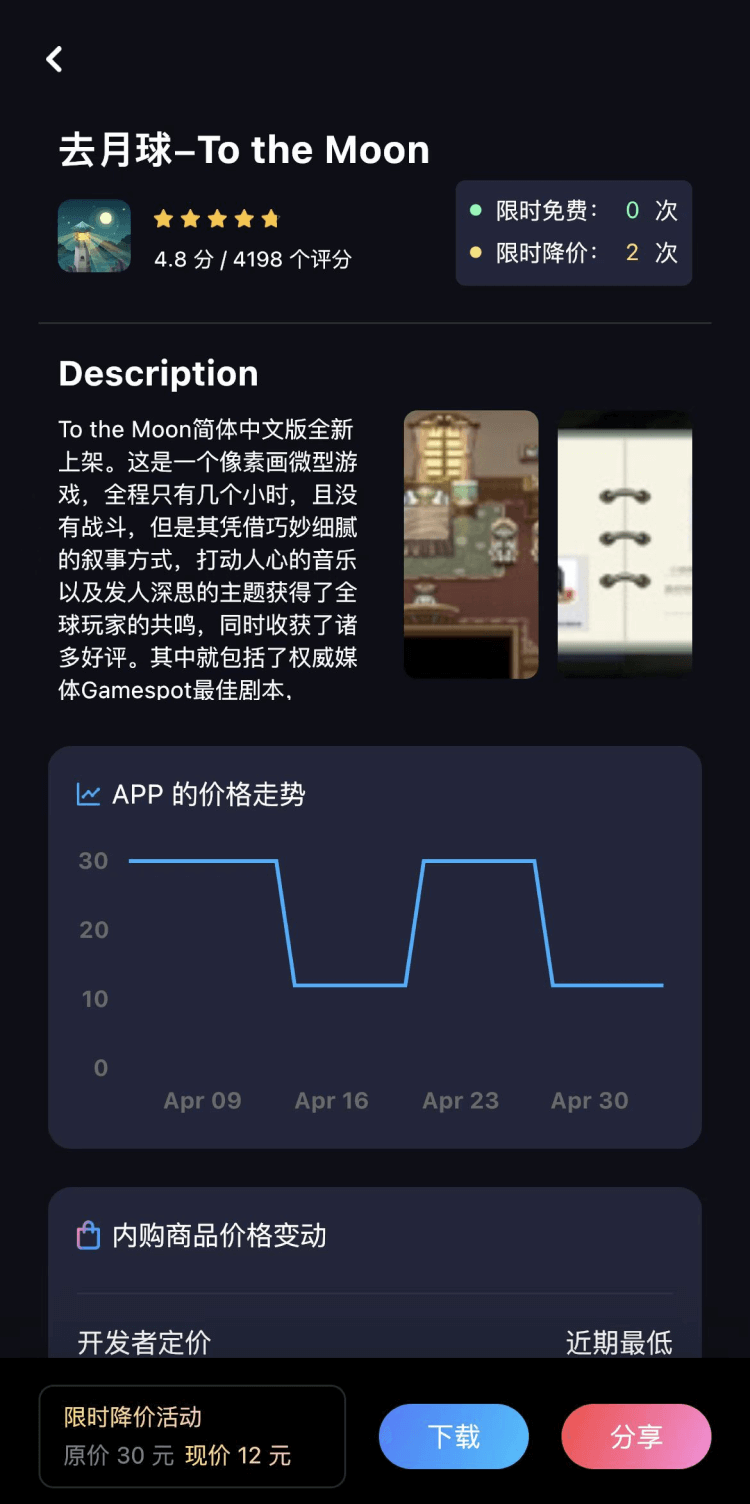
查看应用/游戏价格历史等待合适时机再出手
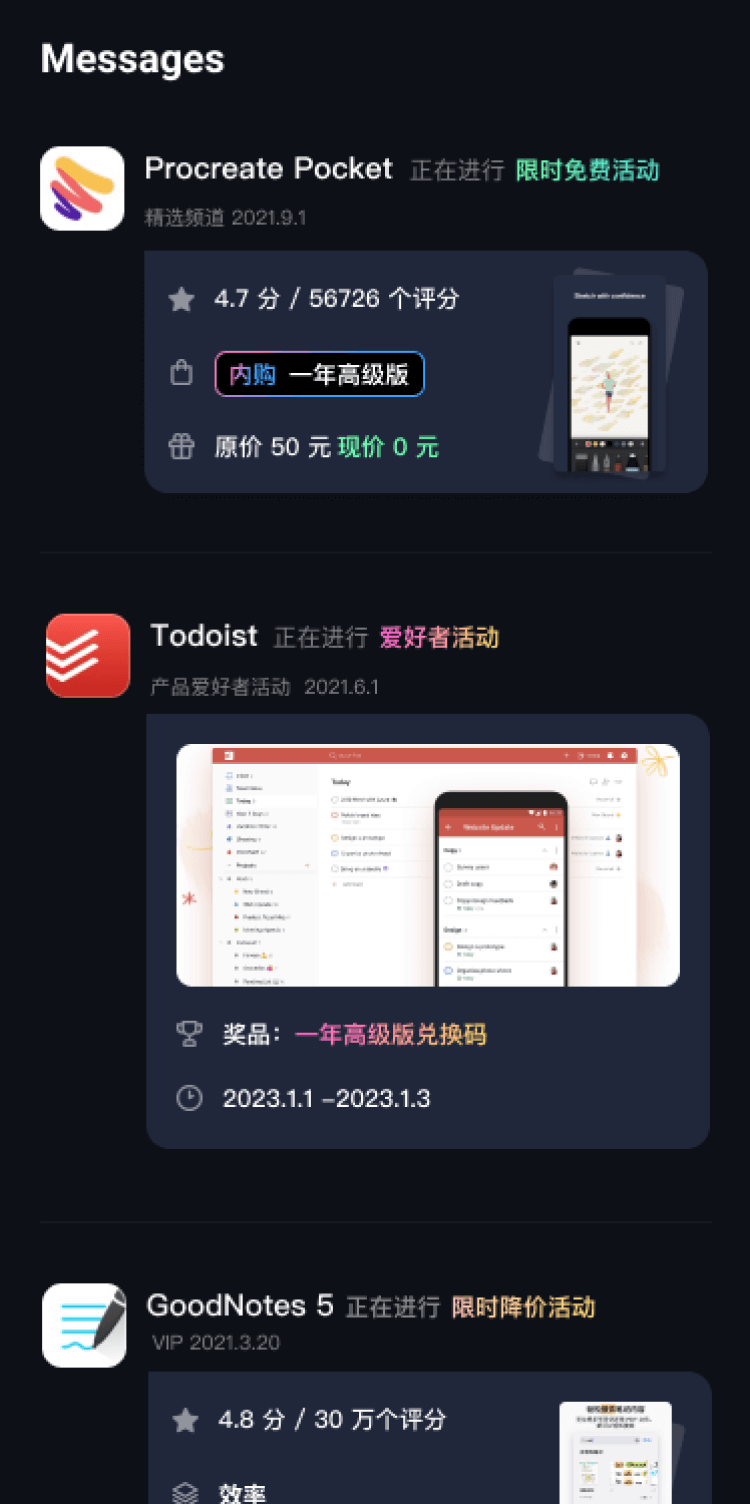
第一时间收到价格通知不错过省钱机会

扫码下载 Follow
 Mo卡片
Mo卡片
Mo✖️浙大出品 AI 精品通识课正式上线!只需5步摆脱 AI 小白,初识-体验-学习-实战,玩转 ...

 学术猫
学术猫
学术猫是一款超便捷的 arXiv 科研论文智能阅读器!主要功能包括:论文 AI 导读,人工智能总结主...
 职得AI简历
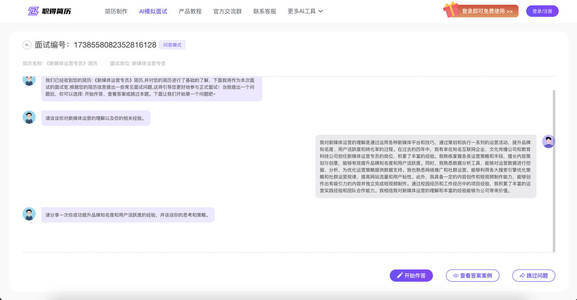
AI 简历生成、简历润色和 AI 模拟面试等功能,可根据指定的求职岗位,一键快速生成高匹配的简历内容...
 90
90



Mo✖️浙大出品 AI 精品通识课正式上线!只需5步摆脱 AI 小白,初识-体验-学习-实战,玩转 ...
9

学术猫是一款超便捷的 arXiv 科研论文智能阅读器!主要功能包括:论文 AI 导读,人工智能总结主...
112

AI 简历生成、简历润色和 AI 模拟面试等功能,可根据指定的求职岗位,一键快速生成高匹配的简历内容...
天天发现优质应用
 到主屏幕
到主屏幕


产品名
这项是必须填的哦~可用平台
产品链接
这项是必须填的哦~产品一句话介绍
这项是必须填的哦~开发者邮箱
你也可以发送更多的产品故事到 hi@mergeek.com
我们会让你的产品被更多用户看到!
产品名
这项是必须填的哦~可用平台
产品链接
这项是必须填的哦~产品一句话介绍
这项是必须填的哦~开发者邮箱
你也可以发送更多的产品故事到 hi@mergeek.com
我们会让你的产品被更多用户看到!
已经成功发送到你的邮箱了,请注意查收
你成为这个产品的发现者啦,说说你的推荐语吧!